Serento Download
Writing · Blog

Notes from building it.

Release notes, and the reasoning behind the decisions that are hard to see from the outside.

Version 1.0.4 is live on the App Store!

This update should make Serento feel more mature and ready. One feature that was requested quite a lot of times during the beta period is multi select. I promised I would deliver it right after the initial release, so here it is!

Bug Fixes New Features New Version

Hello everyone,

I’m happy to announce that version 1.0.4 is live on the App Store. I’ve been working really hard to fix all the bugs after the initial release. This update should make Serento feel more mature and ready, even though I missed one thing in folder browsing for which I already submitted a bug fix. So expect 1.0.5 soon. One feature that was requested quite a lot of times during the beta period is multi select. I promised I would deliver it right after the initial release, so here it is!

Bellow is the change log. I hope you enjoy the new version.

Change log

Version 1.0.4 is the largest update since launch: two new ways to work with your library, PDF booklets, classical music in search, and a long list of playback and sync fixes.

NEW

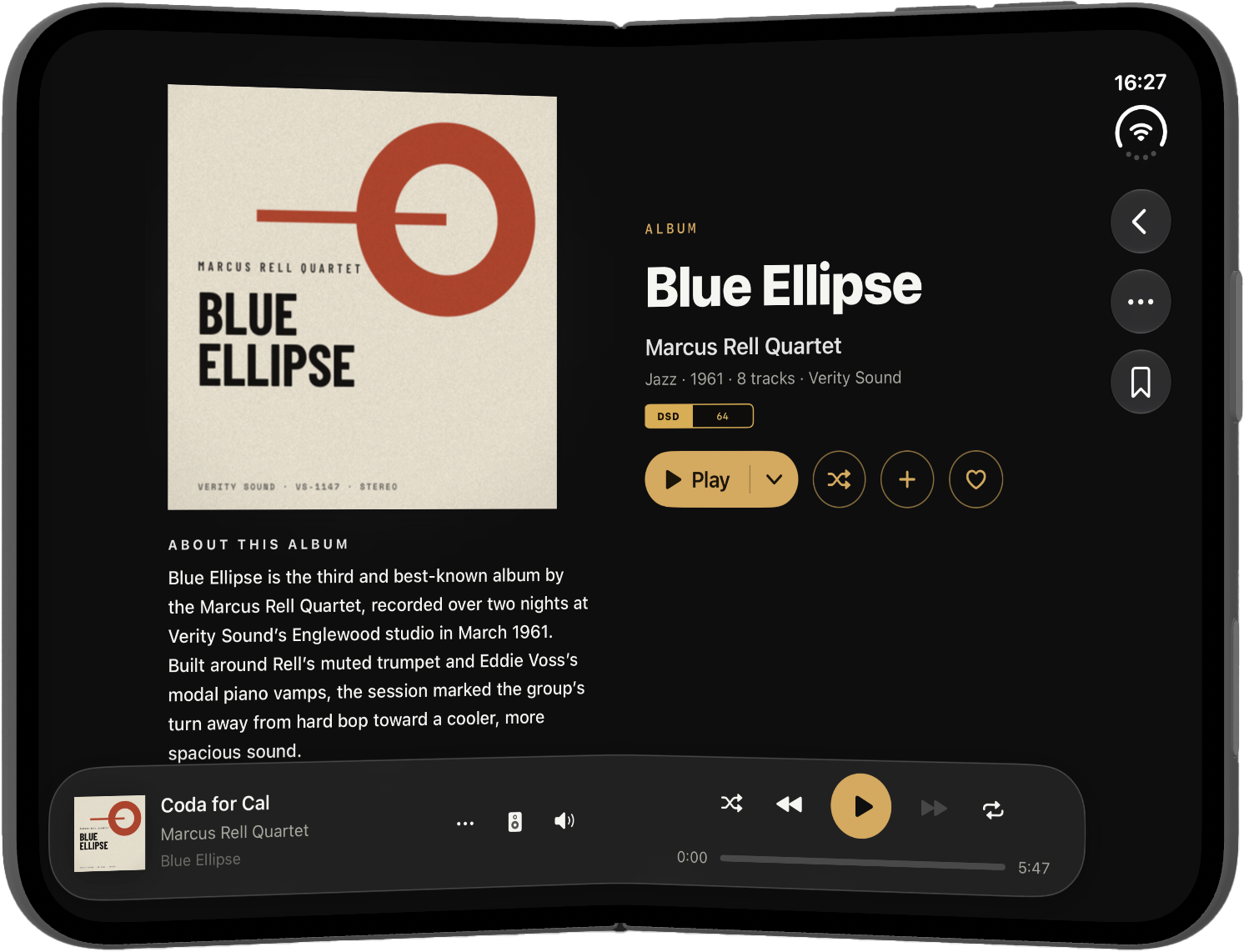
Multi-select. Press and hold any album, track, artist, playlist, station or classical item to start selecting, then act on the whole set at once: play, queue, add to a playlist, tag, download or remove. It works on every list and grid in the app, on iPhone, iPad and Mac.

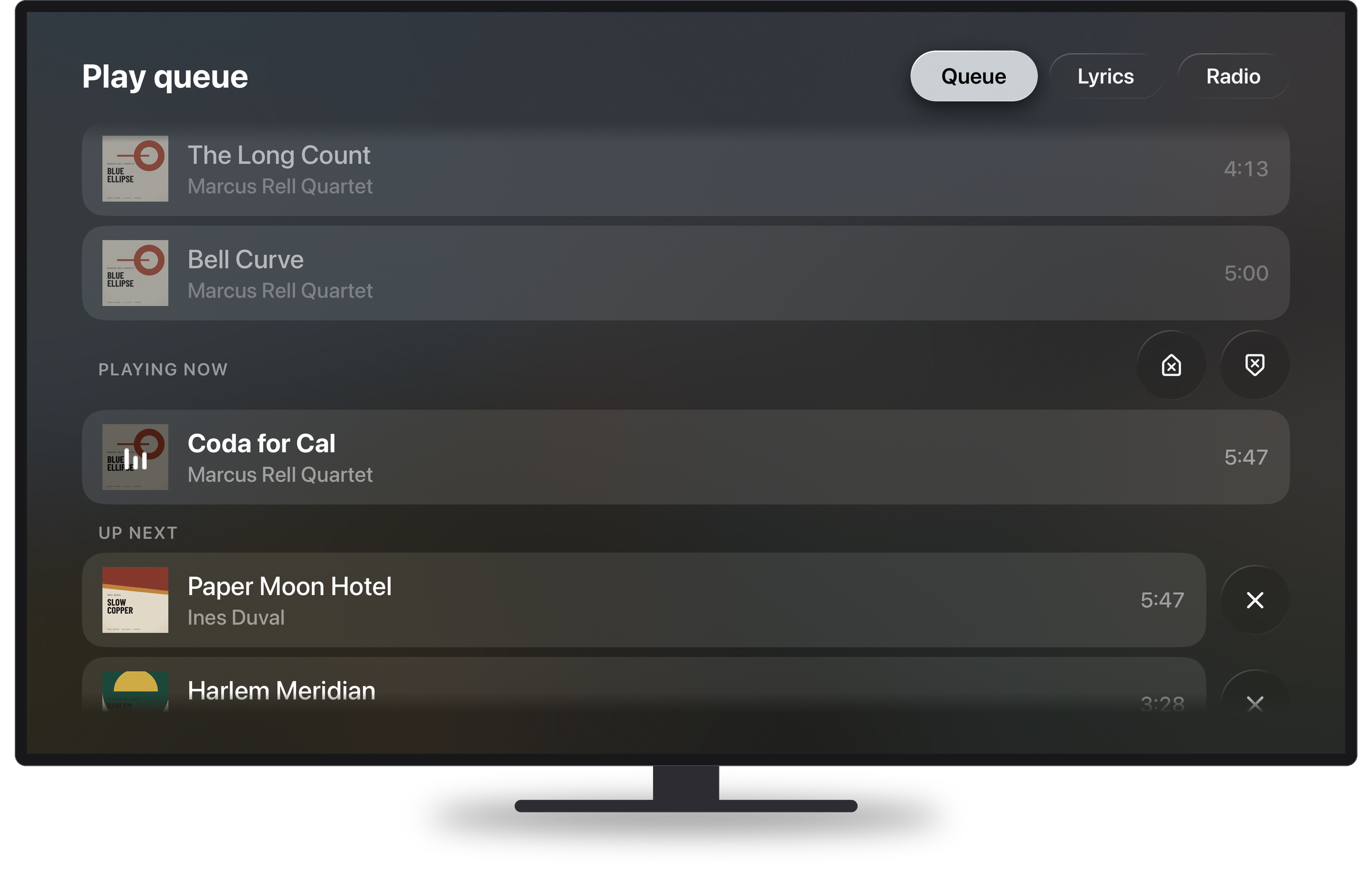
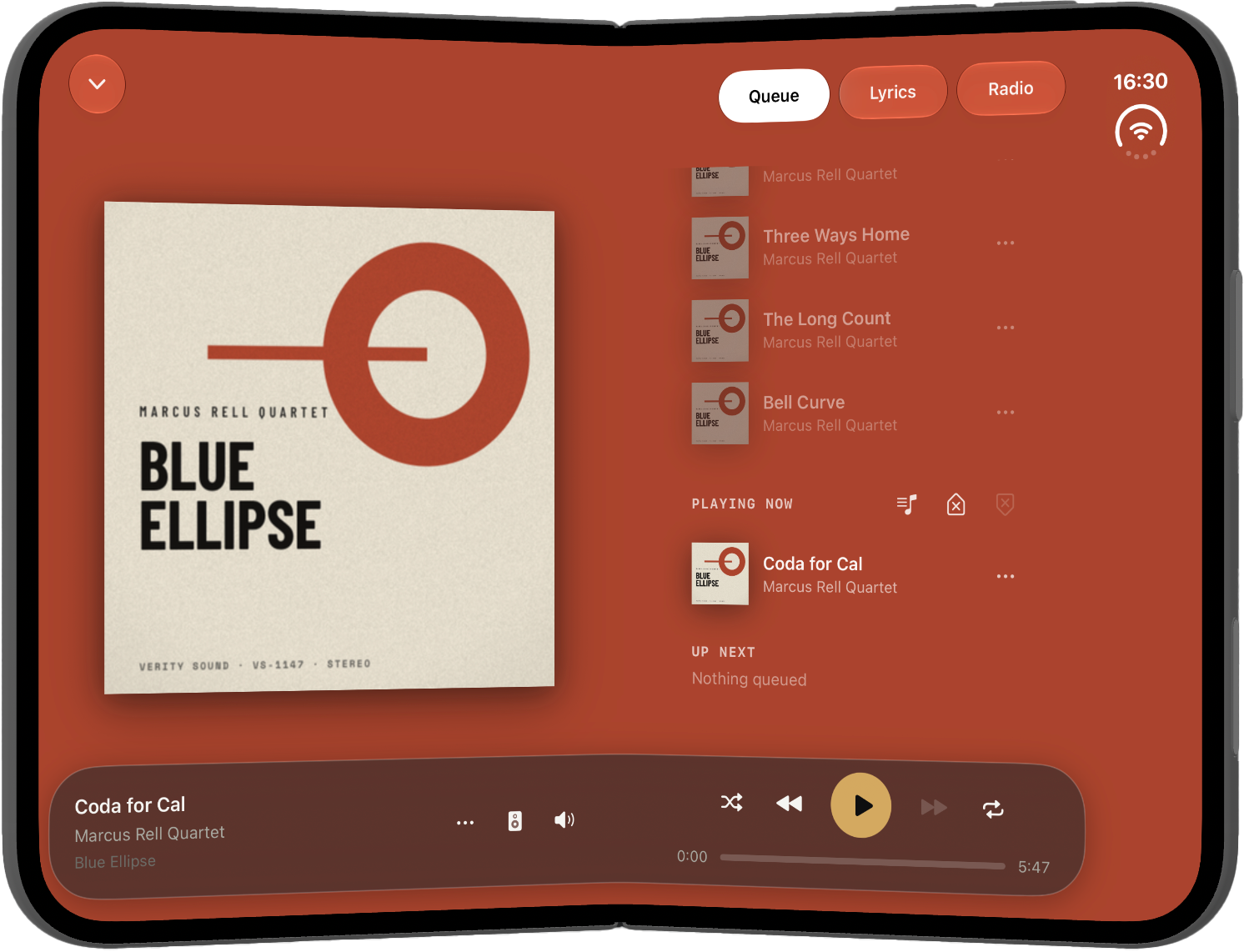
Playlists you can reorder. Drag tracks into the order you want and they stay that way, synced across your devices. The same drag works on bookmarks.

Booklets. An album that ships a PDF booklet now shows it, and an album with more than one shows them all. Text inside a booklet can be selected and copied. In order to be picked up, your pdf files need to have the one the following names: booklet.pdf, booklet2.pdf, booklet3.pdf, booklet4.pdf, booklet5.pdf, folder.pdf, [exact album name].pdf.

Classical music in search. Searching now returns composers, conductors, orchestras, soloists and works alongside albums, artists, tracks and stations, each with its own filter tab and its own View All screen.

Artwork you can enlarge. Tap an album or artist image to open it at full size on a dark layer.

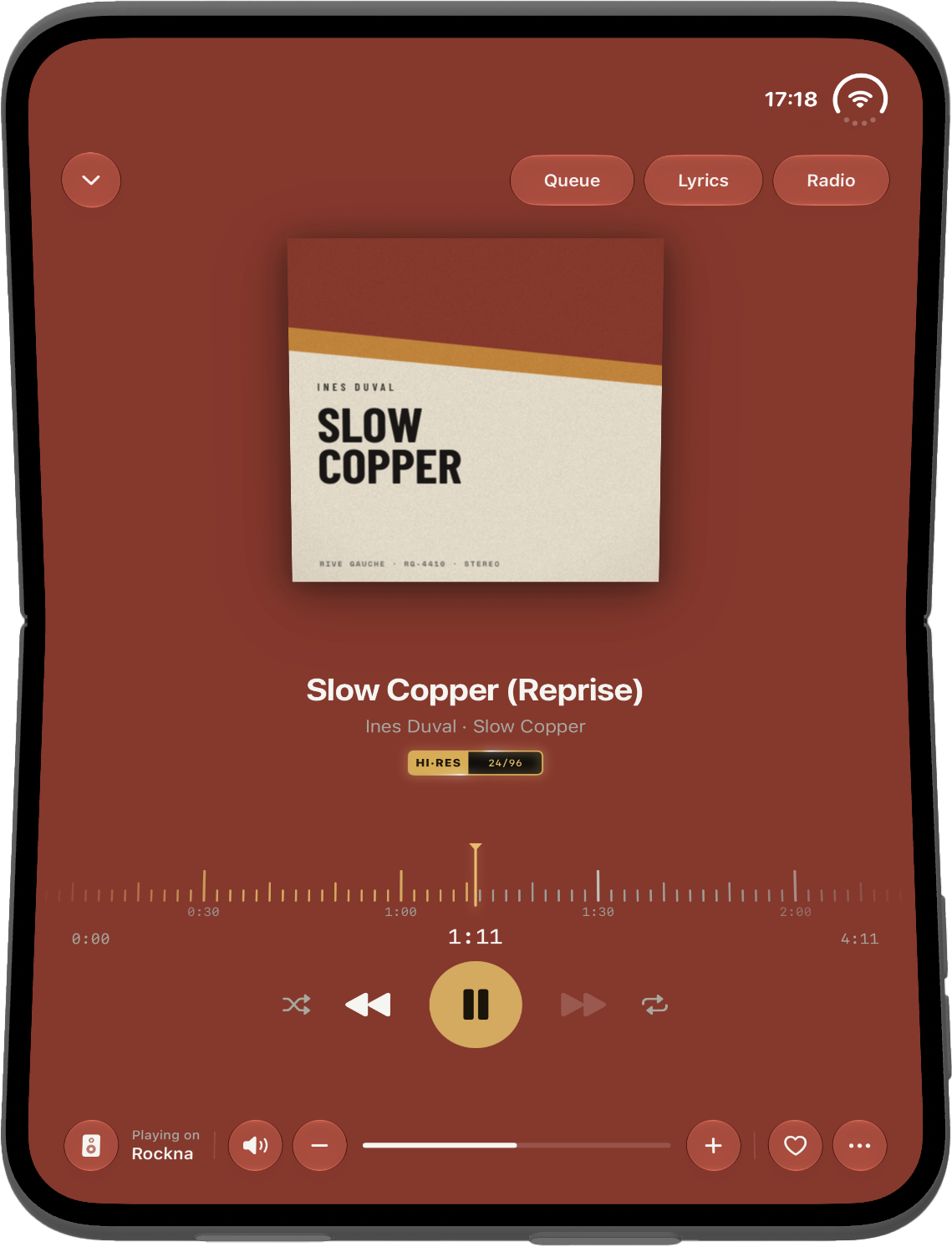
Volume control. Renderers that support it gain volume buttons and a maximum volume limit, so a mis-tap cannot send full scale to your amplifier.

Per-track artwork on compilations. A compilation now shows each track’s own cover where the file carries one, instead of repeating the album cover down the whole list.

A new app icon.

IMPROVED

Folder browsing now understands hybrid libraries, where one level holds sub-folders next to folders that are already albums. Folders sort ahead of albums, alphabetically with numbers first, and the name it sorts on is the name you actually see on the row.

The genre taxonomy is considerably larger, so far fewer albums fall into a catch-all.

Haptic feedback on every control that acts on your library.

Swipe actions and drag to reorder now follow the system’s current list editing behaviour, and the toolbars above those lists match it.

FIXED

Audio: the noise heard when pressing next or play on a DSD file, and on anything above CD quality. PCM stuttering on next, previous and seek. Pause, play and seek no longer fight each other, and pressing play on an album plays that album.

Radio: stations start reliably again, including when another app is already producing audio, and Bluetooth resumes correctly after an interruption.

Sync: resume, cancel and re-sync behave as expected, Plex sync issues are resolved, and several servers now share one folder view correctly.

Home no longer flashes an empty state while it is still loading.

Downloads: the missing tab is back, the buttons have a row of their own, and the retry button renders correctly with Display Zoom.

Classical bookmarks open the screen they point at. The format badge no longer claims bit-perfect while nothing is playing. Tapping the mini player while Now Playing is already open now does nothing, as it should.

The alphabetical index bar, the tag breadcrumb and the horizontal shelves all scroll and land where you expect them to.

Many bug fixes and other small improvements.

Serento 1.0 is here

A year of work, and today it is yours. Serento is a native music app for the systems audiophiles actually own, on iPhone, iPad and Mac, built so a great hi-fi finally feels as good to use as it sounds.

Engineering Features Launch Release UPnP

Today is the day. Serento 1.0 is out.

We have been waiting a long time to write that sentence. A year of work, thousands of hours of listening, countless evenings spent with a phone in one hand and a streamer blinking across the room, and a beta group who told us the truth even when it was not what we wanted to hear. All of it led here. Serento is on the App Store, for iPhone, iPad and Mac, and it is ready for your music.

If you have a good system and a library you are proud of, this one is for you.

The simple idea behind it

Great hi-fi has never sounded better or cost less to get into. A capable streamer, a good DAC, a library you have spent years assembling: the sound is extraordinary. And then you reach for your phone to actually play something, and the moment falls apart. Slow lists. Missing covers. Your favourite album filed under four different artists. A search box that thinks about it.

Serento exists to fix that last, most personal step. It is the app in your hand: it shows you your music, beautifully, and tells your system what to play. It does not stand between your files and your speakers, it does not change a single note along the way, and it does not ask you for an account to play music you already own.

Your library, at its best. That is the whole idea.

Your music, exactly as it was recorded

This is the promise everything else is built on.

Serento sends the music from your server straight to your streamer, untouched. No resampling. No volume applied in software. No equaliser, no "enhancement", no clever processing you did not ask for. When you turn the volume up, Serento asks your streamer to turn its volume up, so your DAC keeps doing exactly what you chose it to do.

The file leaves your library and arrives at your system in the state the engineer signed off on. Nothing in between. If you spent real money on the parts of your system that shape the sound, Serento gets out of their way.

Every format you own, at full resolution

Serento plays your library the way you ripped it and the way you bought it.

  • Lossless, all of it. FLAC, ALAC, WAV and AIFF, up to 32-bit and 768 kHz.
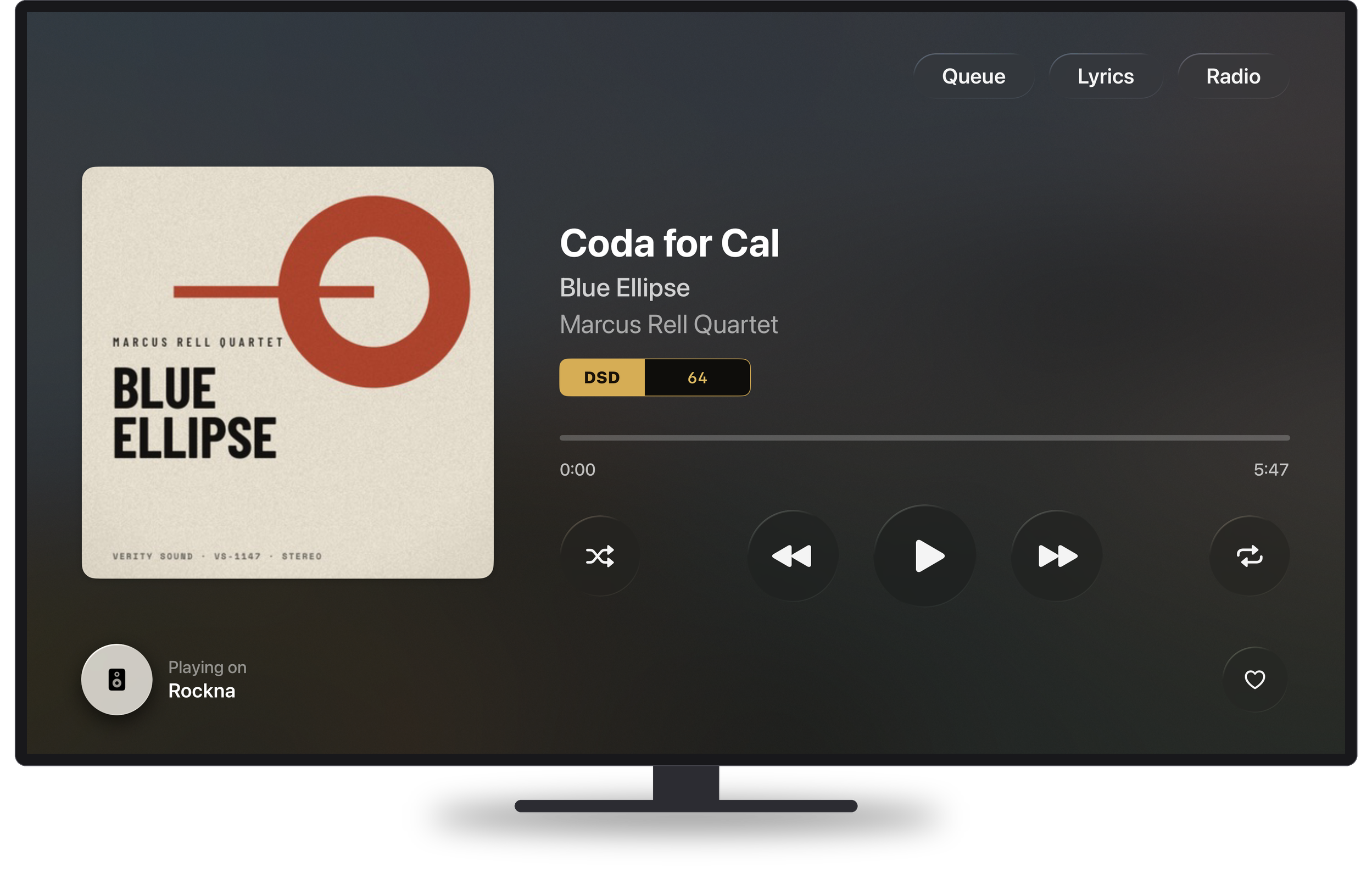
  • DSD, properly. Up to DSD512, either native or DoP, chosen automatically to suit your streamer. No conversion to PCM behind your back to make a file play.
  • Everyday formats too, because a library is a real thing: MP3, AAC and the rest sit happily alongside the rest of it.
  • Gapless playback, on by default, so a live set stays a live set and a symphony stays a symphony.

And it drives the systems people actually own. Rockna, Lumin, Linn, Eversolo, WiiM and every other streamer that speaks the common language of network audio. Serento uses your streamer's own advanced playback engine when it has one, so it behaves like the manufacturer intended, only with a far better app in front of it.

A library that opens the moment you tap it

Serento learns your library once, then browsing is instant. Scrolling, searching, sorting, jumping to a letter: all of it happens right there on the device, at the speed of thought, with no waiting on the network.

And it does not fall over when your collection is serious. We tested Serento against libraries of nearly a million tracks, and it stays every bit as quick as it is with a thousand. If you have spent twenty years building a collection, you should not be punished for it. In Serento, a big library feels like a luxury again instead of a liability.

Classical music, finally treated as classical music

This is the feature we are proudest of.

Most music apps flatten classical into a mess: a symphony becomes four unrelated songs, the composer vanishes, and every recording is filed under an orchestra. Serento has a dedicated classical section built around how the repertoire actually works.

Browse by composer, work, conductor, orchestra, soloist, period or musical form. Open any work and see every recording you own gathered side by side, so choosing between your Karajan and your Kleiber takes one tap. Movements stay in order, with their proper names. Credits are split by role, so you can see who played and who conducted, not just a single artist line.

Composer portraits, biographies, work histories and catalogue numbers are filled in quietly in the background from Serento's database. Your classical collection stops being the section you avoid and becomes the one you show people.

Your library, richly told

A great collection deserves more than filenames.

Serento layers a whole world of context on top of what you already own: artist biographies, album reviews, release years, labels, genres, and per-track credits down to performers, composers and lyricists. Covers arrive in high resolution. Synced lyrics scroll in time in Now Playing for tracks that have them.

All of it comes from Serento's database, pulled in the background and kept on the device, and none of it ever overwrites the tags you have already curated. Serento reads your own tags first and only fills what is genuinely missing. Your work comes first. Always.

One album, one cover

If you own the same album in three formats, or run two servers, Serento can gather every version under a single cover and let you choose which one leads. Remasters, reissues, the hi-res you bought later: one entry, every version a tap away, and your choice follows you to your other devices.

There is also Album Identification for the records your tags never got right. Pick the correct release from Serento's database and the title, artist, year, genre, track names and cover snap into place, without a single byte of your files being rewritten. Do it yourself for one album, or let a sync pass quietly fix hundreds while you are not looking.

Playlists that actually know you

Serento watches nothing but your own listening, on your own device, and builds My Mixes from it: playlists weighted by what you play, how often and how recently, then balanced across genre, era and format so each one opens a different door back into your collection.

Alongside them: your own playlists, Tags for the collections only you would think of, Bookmarks that save a filtered view you keep returning to, Listen Later with separate lanes for what is queued and what you have covered, favourites, and full play history.

Take the whole thing with you

Tap Download on a track, an album, a playlist or a mix, and it is yours offline. No server, no internet, no setting to remember: when your library is out of reach, Serento simply plays the copies on the device.

Here is the part people love. Away from home, your phone becomes the source. A downloaded album can play through any compatible system anywhere: a friend's setup, a rented flat, a hotel soundbar. Your music, at full quality, wherever you happen to be standing.

Every device, in step

Start an album on your iPhone. Pick it up on the Mac. Adjust the volume from the iPad. Serento keeps the queue, the playback state and the volume in step across every device driving the same system, with no master and no follower. Playlists, mixes, favourites, tags and history follow you too, near-instantly at home and across the world through iCloud.

A household with three devices sees one consistent system, not three arguments about what is playing.

Browse the way you already think

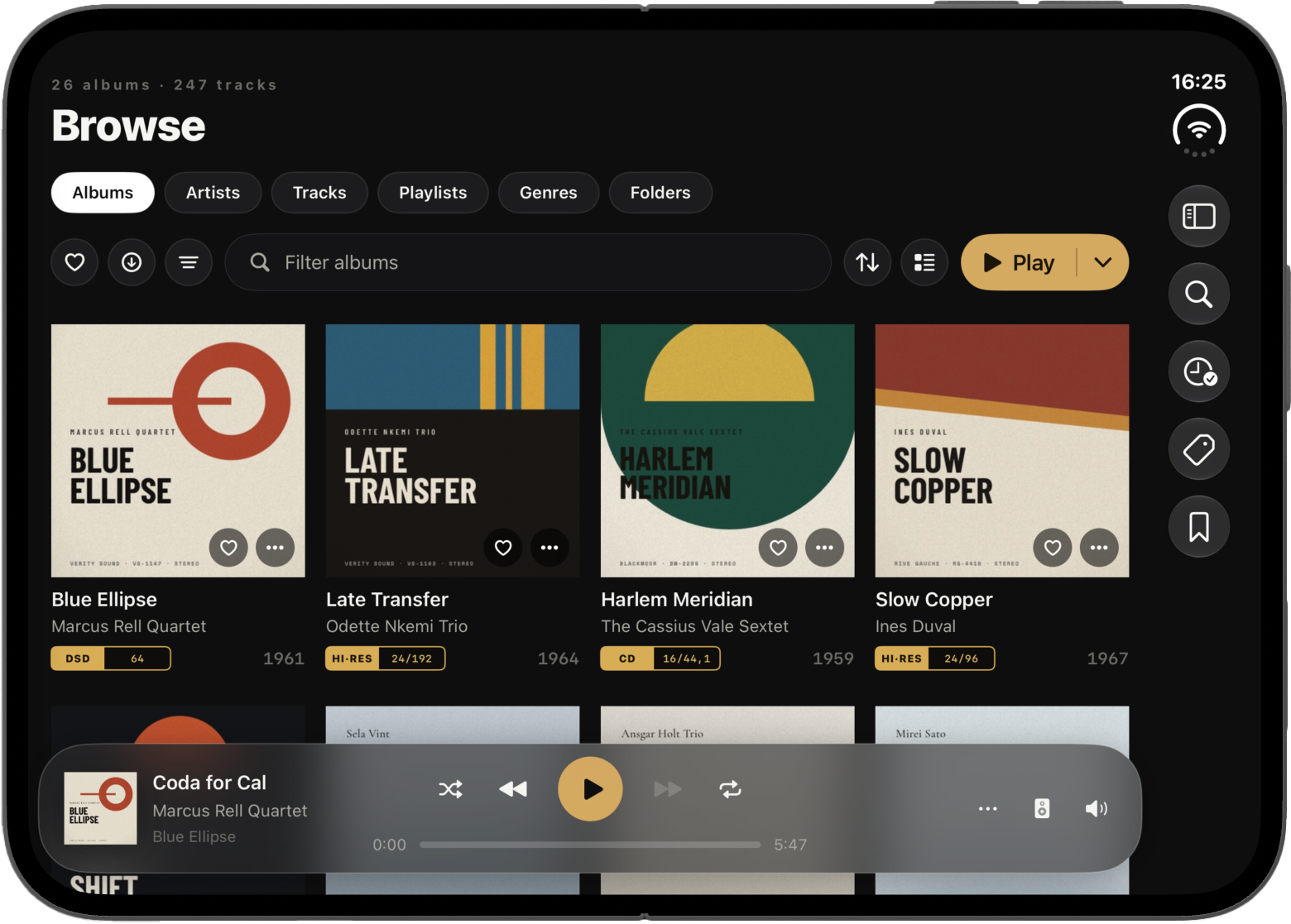
Some people live by tags. Others have spent decades curating folders on disk. Serento does both: browse by artist, album, genre, composer or year, or walk your folder tree exactly as it sits on your drive.

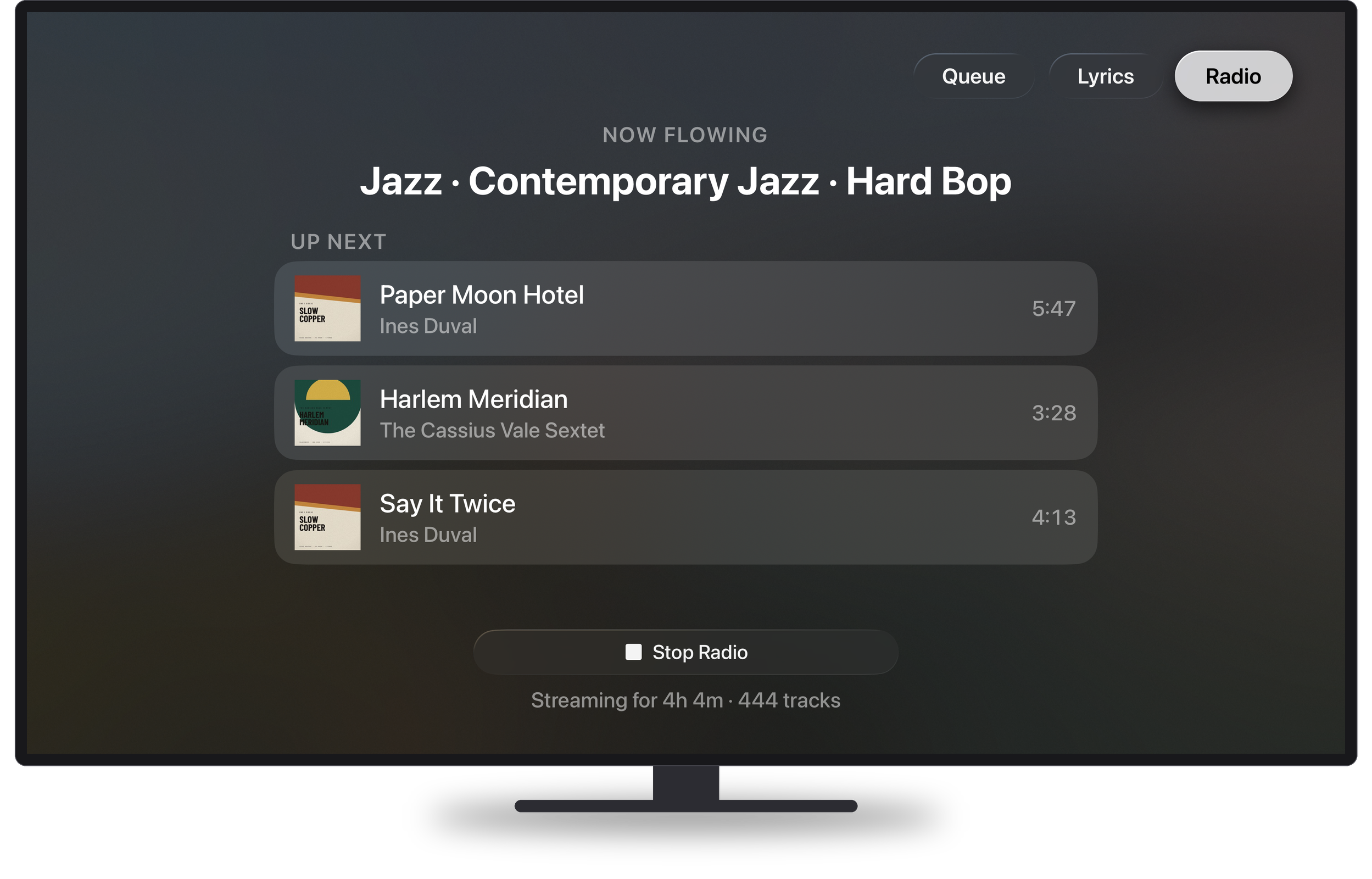
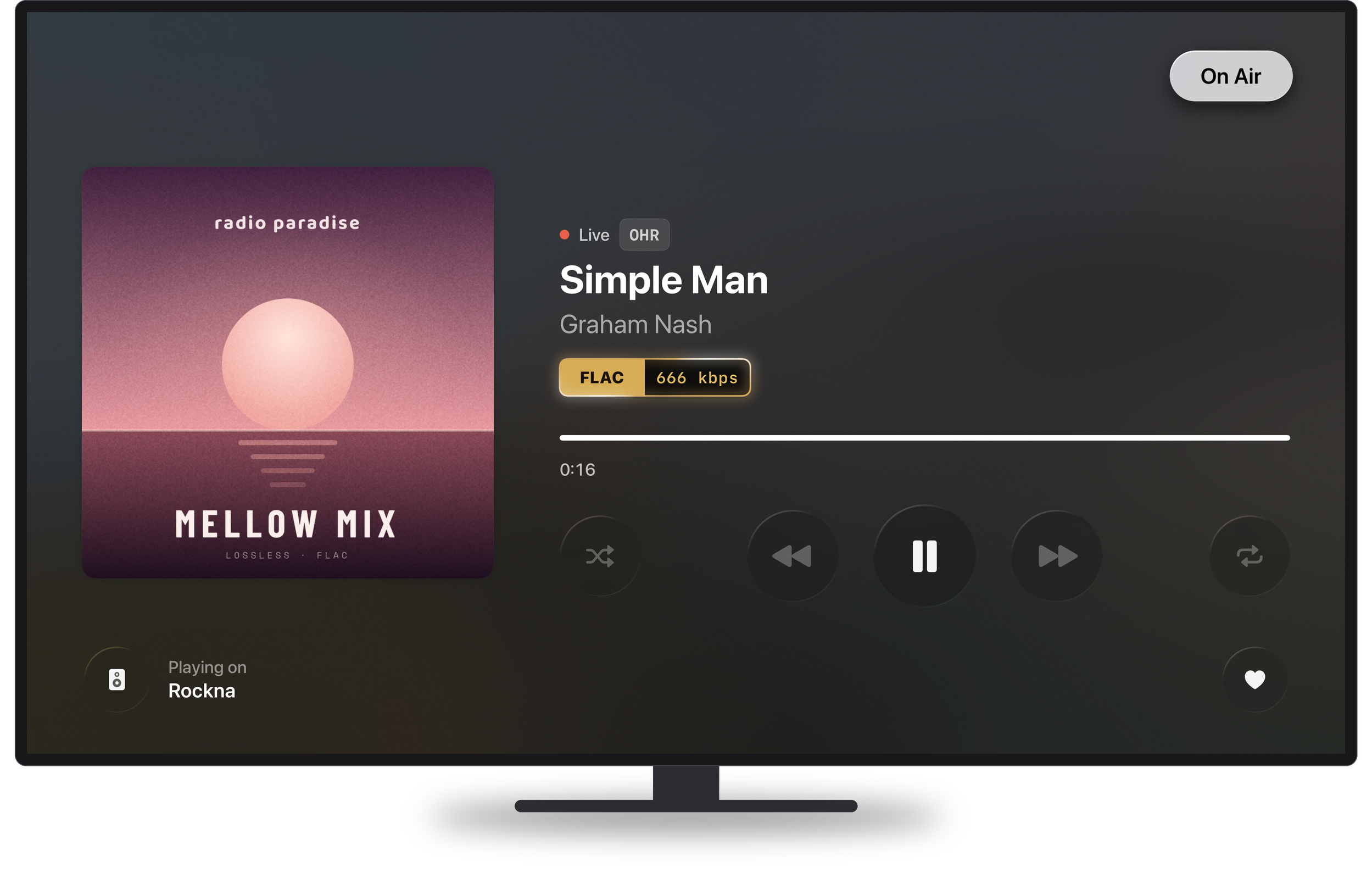
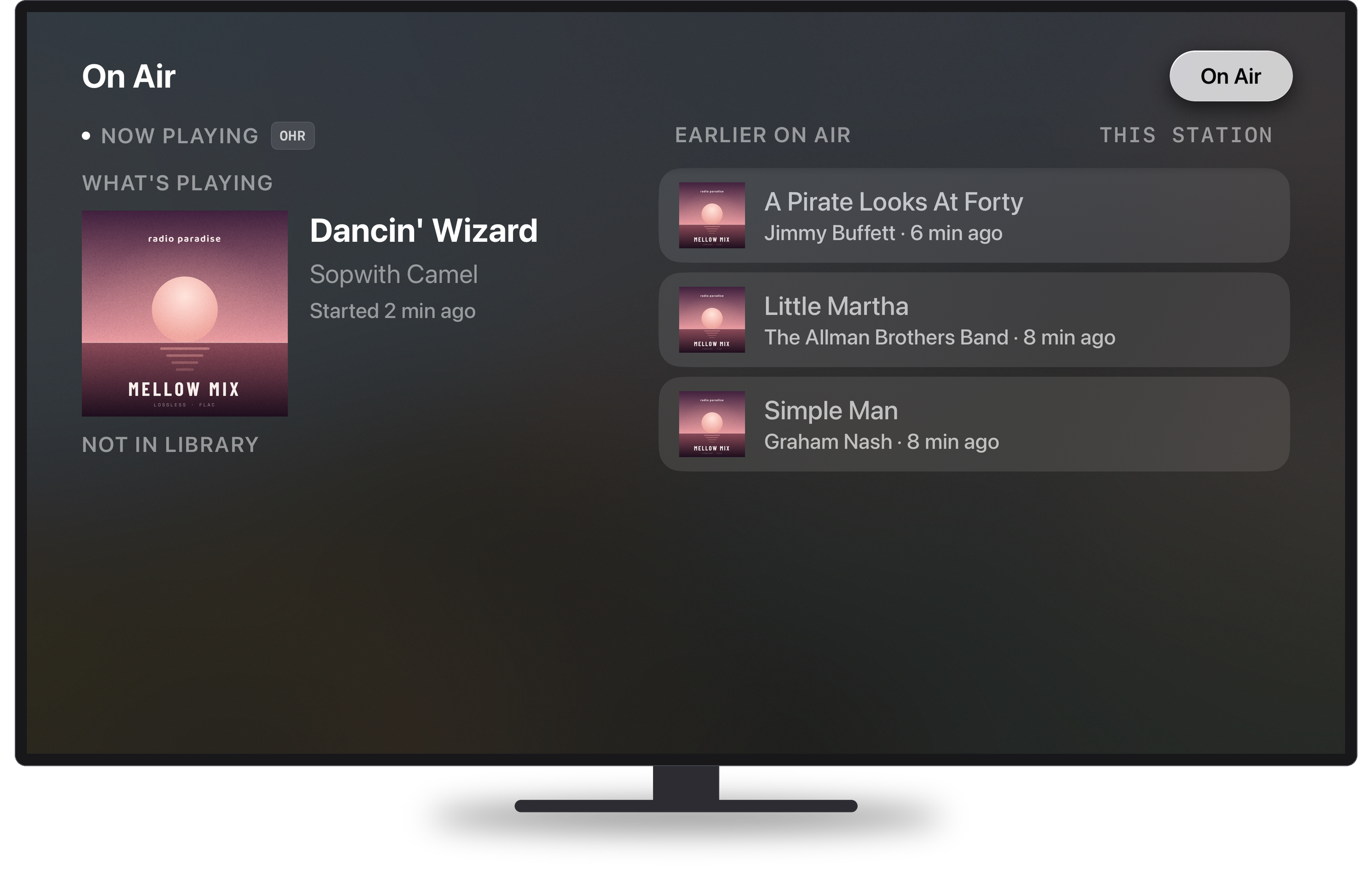
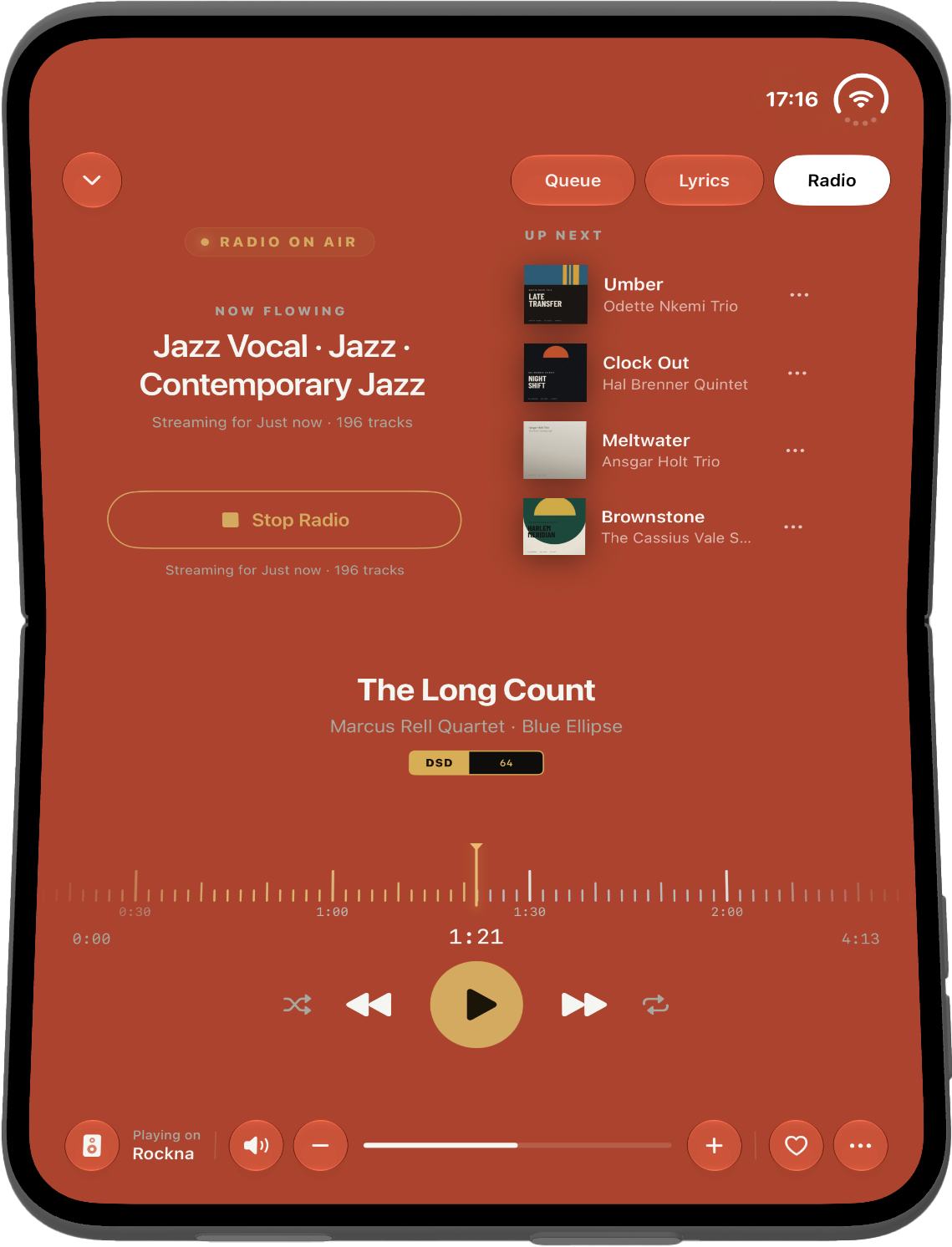
There is internet radio too, with hand-picked stations built in and live track information as it plays. On streamers that support it, Serento drives the radio engine built into the hardware itself, the same one the manufacturer's own app uses, so a station plays as a continuous broadcast instead of stalling the way generic apps often do.

Housekeeping that looks after itself

Keeping a large library fresh should not be a chore you schedule around. In Serento it is not one.

A long update carries on in the background when you leave the app, and picks up where it stopped instead of starting over. Better still, you can tell Serento when to do it: pick an hour, say once you have stopped listening for the night, choose whether it refreshes the library, fills in artwork and biographies, or both. It only starts after your chosen time, and only while the device is charging and on Wi-Fi, so it never fights you for bandwidth or battery in the middle of a record.

You wake up. The library is current. Nothing asked you for anything.

Made for iPhone, iPad and Mac

Not one app stretched three ways. Three real ones.

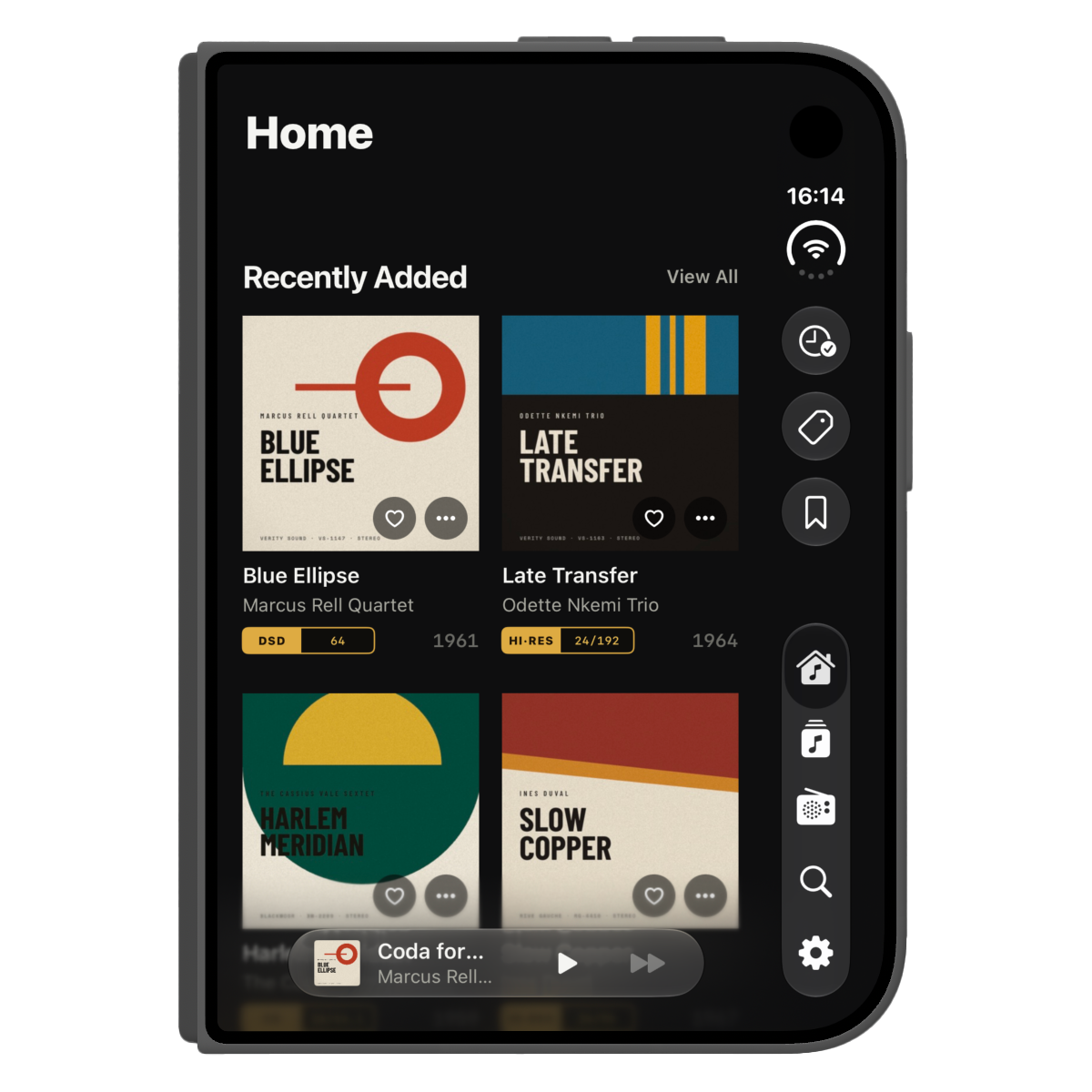
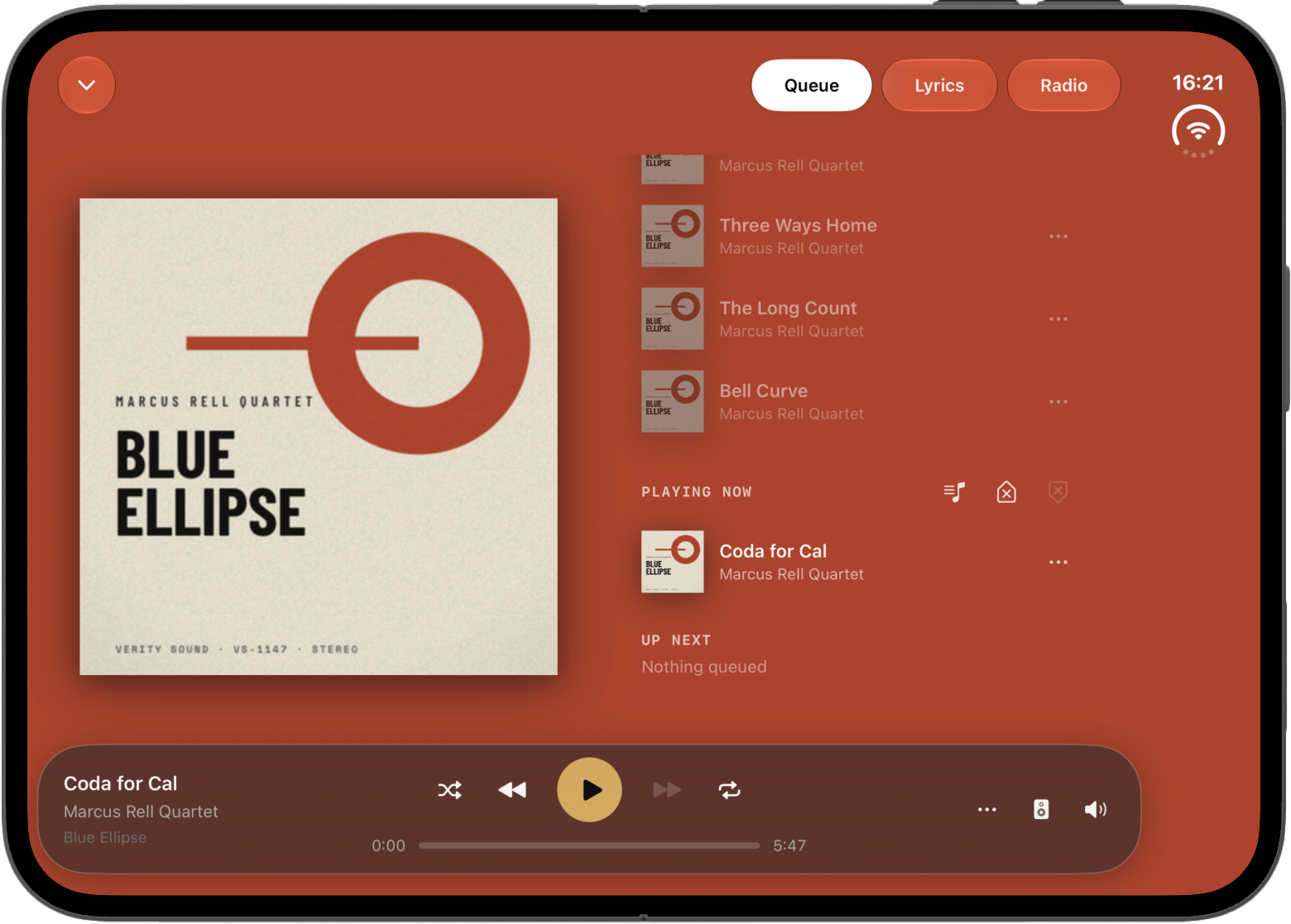
On iPhone, everything is reachable with a thumb. On iPad, a persistent sidebar keeps every section one tap away, the grid shows more of your covers, and the player stays anchored while you browse. On Mac, it is a proper desktop application, a universal binary for Apple Silicon, with a native sidebar, real hover states everywhere and a mini player anchored to the window. It was never going to be an iPad app in a window, and it is not.

In your language

Serento ships in twelve languages: English, German, French, Italian, Polish, Portuguese, Romanian, Spanish, Simplified Chinese, Traditional Chinese, Japanese and Korean. Not just the buttons: every screen, every setting, every empty state, and the artist and classical texts too, in your language, with English as a graceful fallback.

Yours, and nobody else's

No account. No sign-up. No advertising. No subscription to browse your own music. Serento does not upload your library, does not track what you listen to, and does not need the internet to play the files sitting on your own network.

Your collection is yours. We think an app that plays it should behave accordingly.

A year in the making

We could have shipped something in three months. We would have hated it.

Instead we spent a year with real systems, real libraries and a beta group who kept us honest: people with forty thousand albums, people with one perfect shelf, people who noticed a half-second delay we had stopped seeing. Every one of those conversations is in this release somewhere.

Somewhere along the way it stopped being a project and started being the app we reach for every evening. That is the moment you hope for, and it is the reason today feels the way it does.

What comes next

1.0 is a beginning. The roadmap is public and stays that way, and we are already working on what follows.

Setting up takes about five minutes, and the setup guide walks you through it. The Help Center answers the questions people actually ask. If something is not right, tell us: contact@serento.app, or come and say hello at community.serento.app.

Thank you

To everyone who tested, reported, argued and waited: thank you. This is your release as much as ours.

Now go and put on something you love, properly, the way it was meant to be heard.

Download from the App Store

App Store link

Posts are published in English only.