Hello everyone,
A lot of you listen in the living room, with the streamer in the rack under the TV. Until now the music lived on your phone: to see what was playing, or to skip a track, you reached for it. Serento 1.1.3 puts it on the big screen.
Serento for Apple TV is a companion to Serento on your iPhone, iPad and Mac. It does not play music itself. It shows what your streamer is playing and lets you control it with the Siri Remote, while your iPhone, iPad or Mac does the work, exactly as it does today.
Pick your streamer
Open Serento on Apple TV and it lists the streamers on your network. A streamer that is asleep says so. Choose one and Now Playing fills the screen.
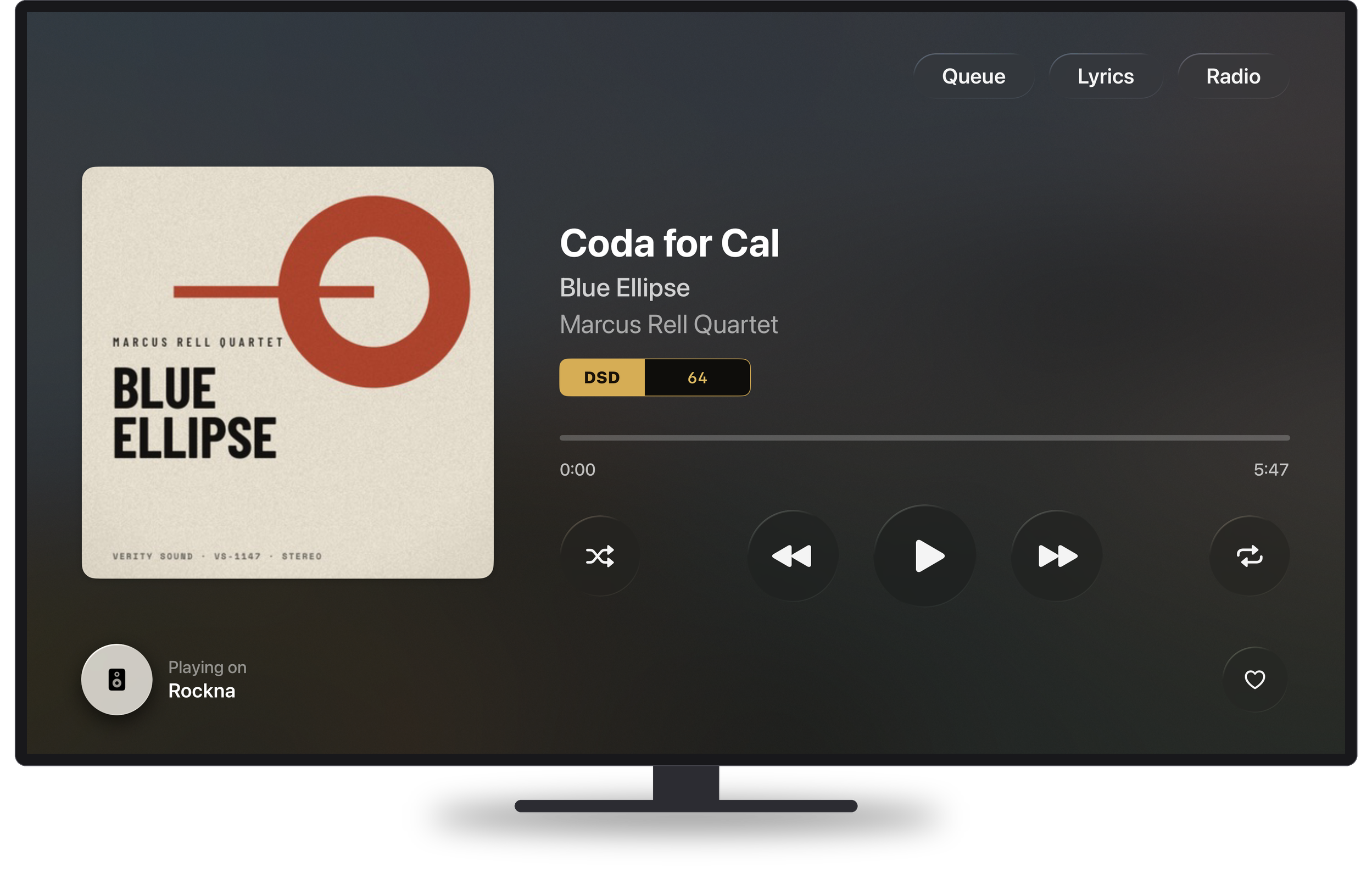
Now Playing
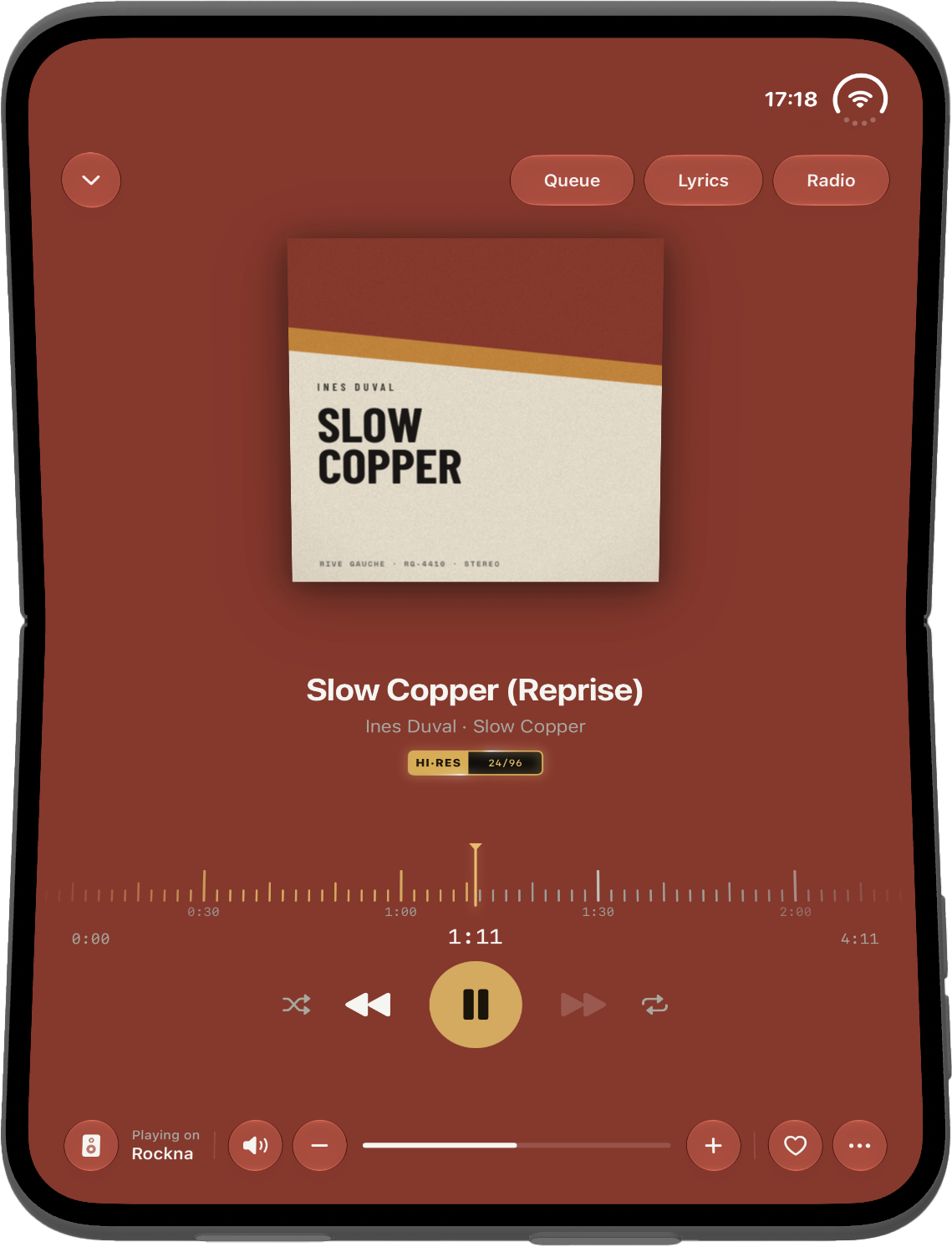
The cover, the title, the album and the artist, with the same format plate you see on your iPhone, and the bit-perfect ring when the music plays bit-perfect.
Below them is the bar: select it, move through the track with left and right, ten seconds at a time, and select again to jump there. Under the bar sit shuffle, previous, play and pause, next and repeat. The Play/Pause button on the Siri Remote works from anywhere on the screen.
At the bottom, "Playing on" names your streamer. From there you can move the music to another streamer in the house, and the heart adds the track to your favorites.
Queue, Lyrics and Radio
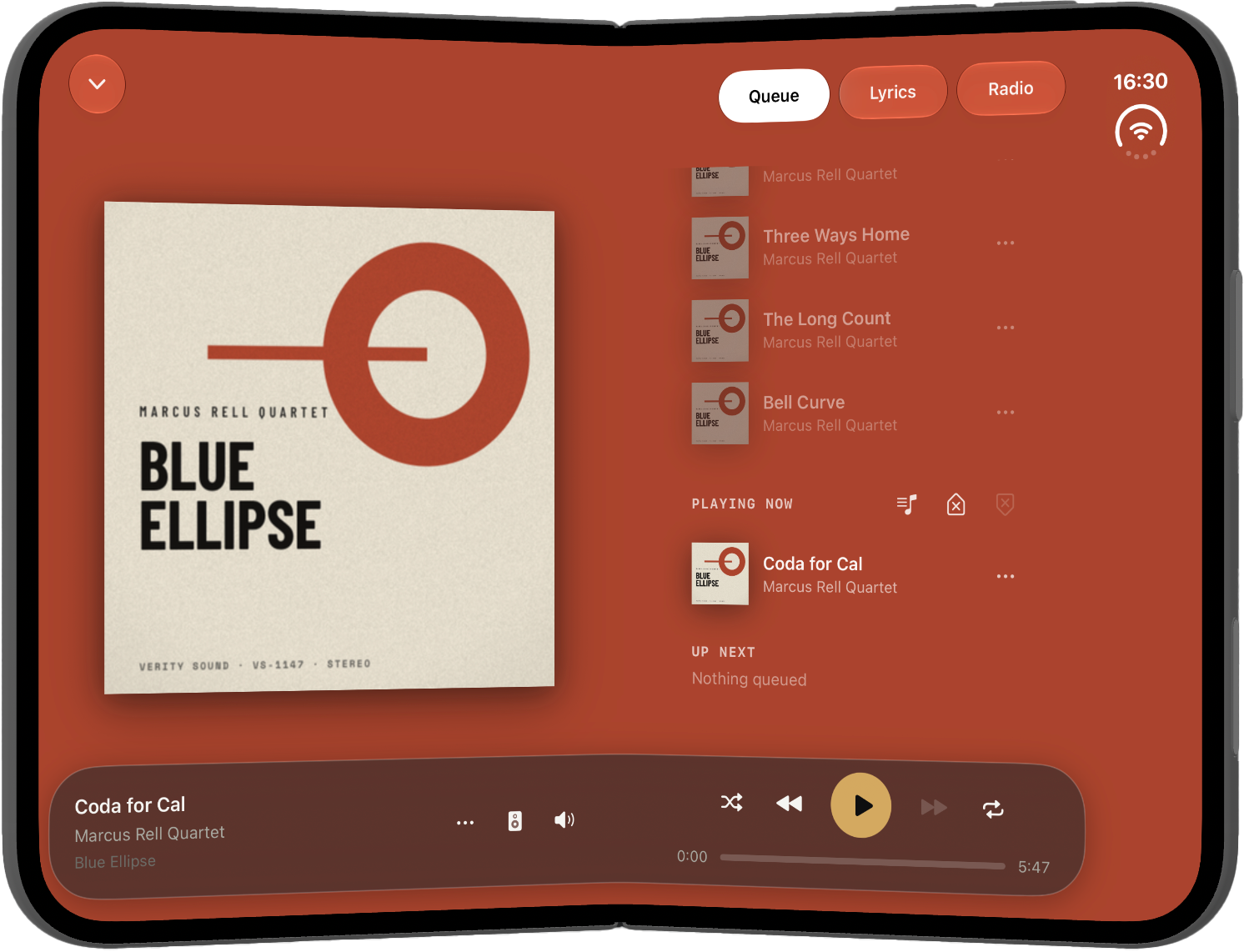
The three tabs you know from Now Playing on your iPhone are here too, and each one opens across the whole screen.
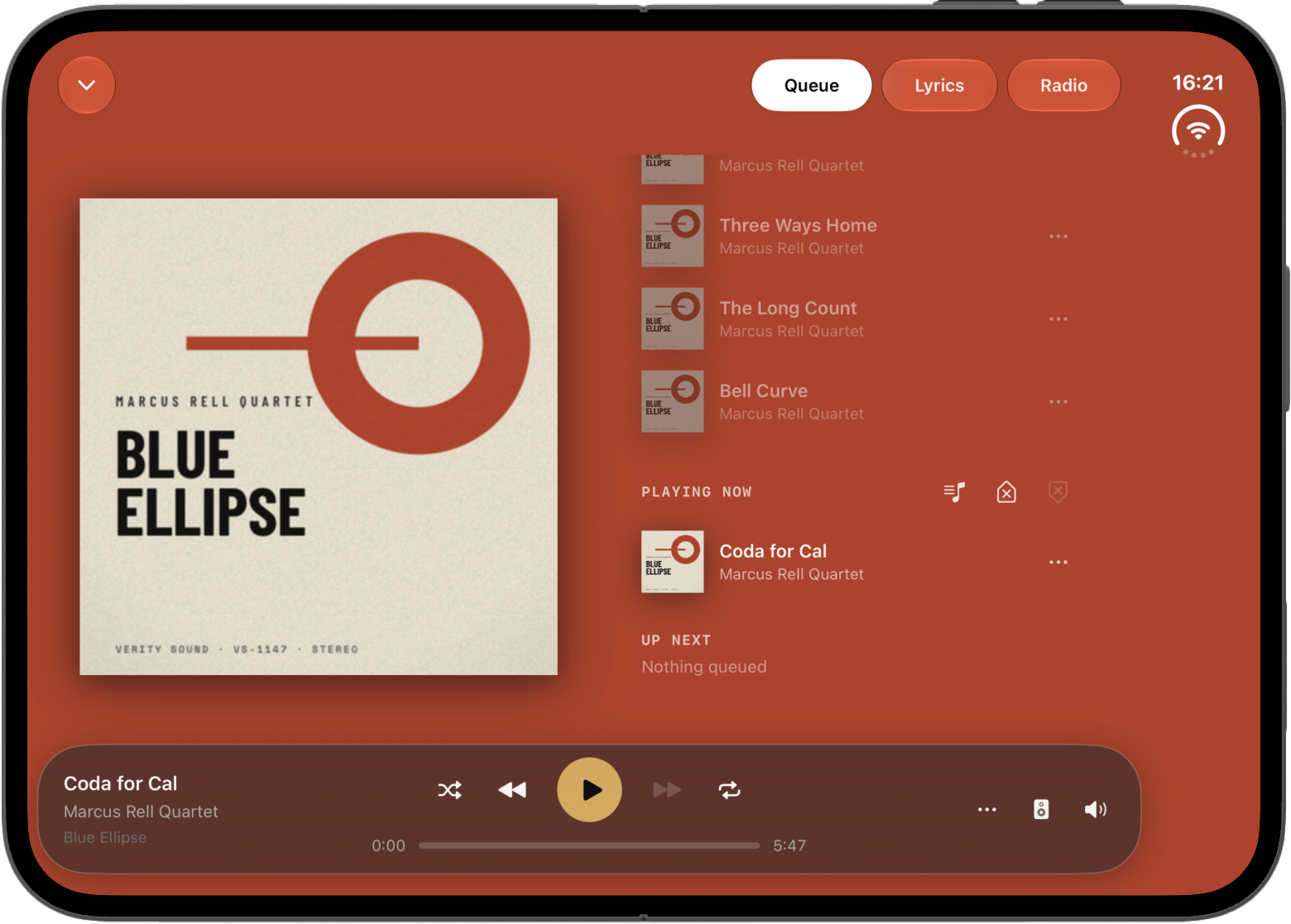
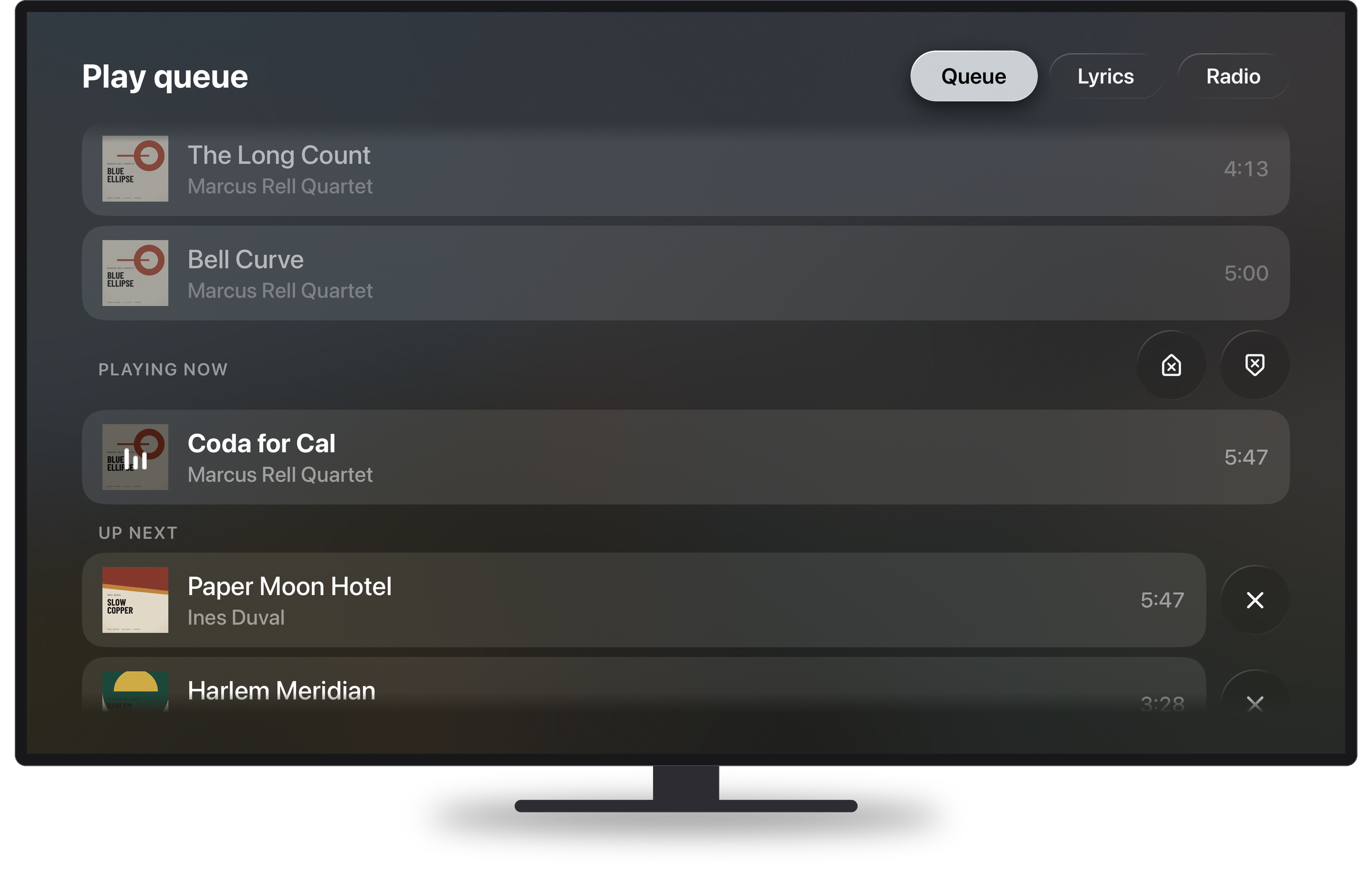
Queue shows what played, what plays now and what comes next, with the covers. Select a track to play it, remove one from Up Next, or clear the history or everything still to come.
Lyrics shows synced lyrics in large type, easy to read from the sofa, following the music line by line. If you calibrated the lyrics for your streamer on the iPhone, the TV uses the same calibration.
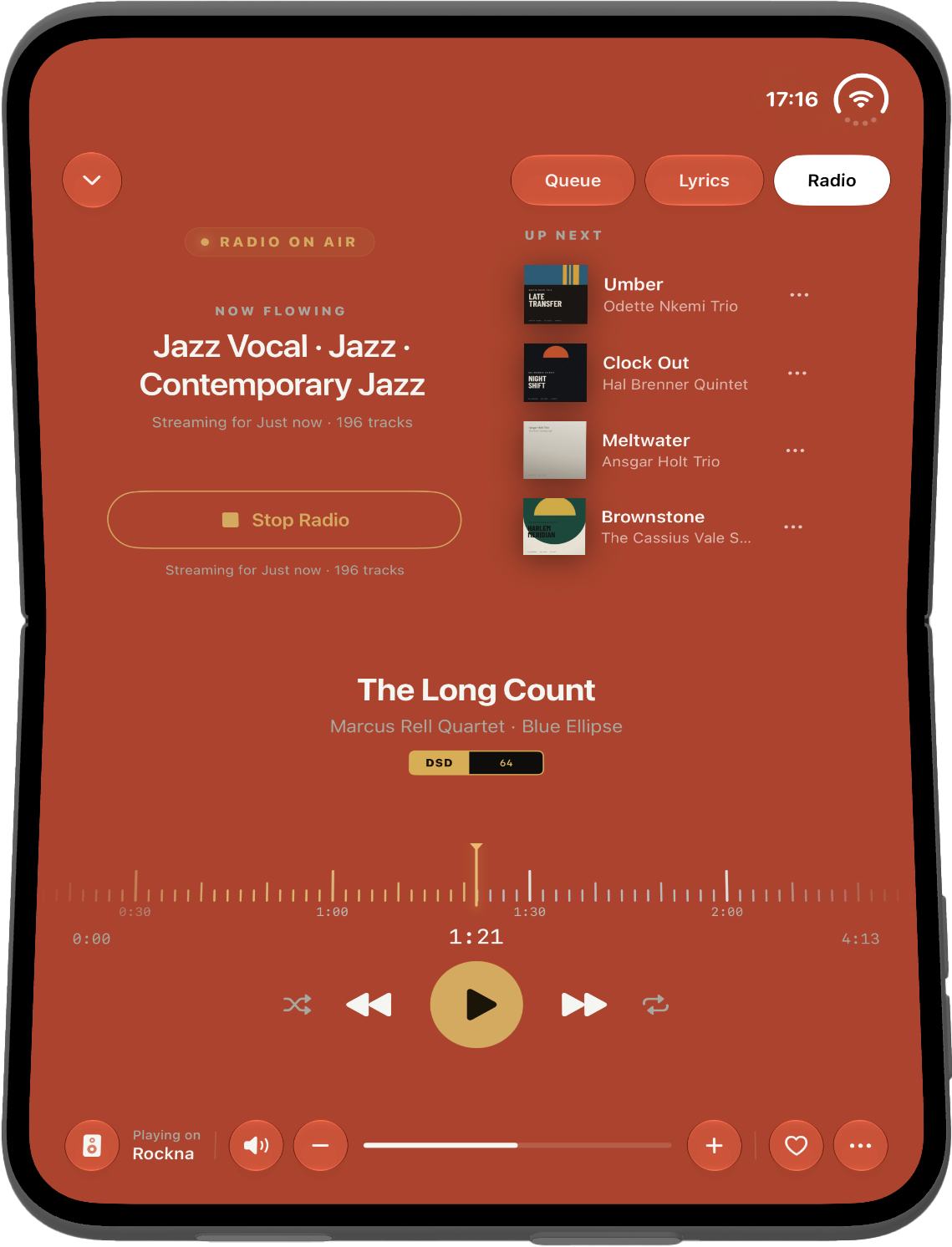
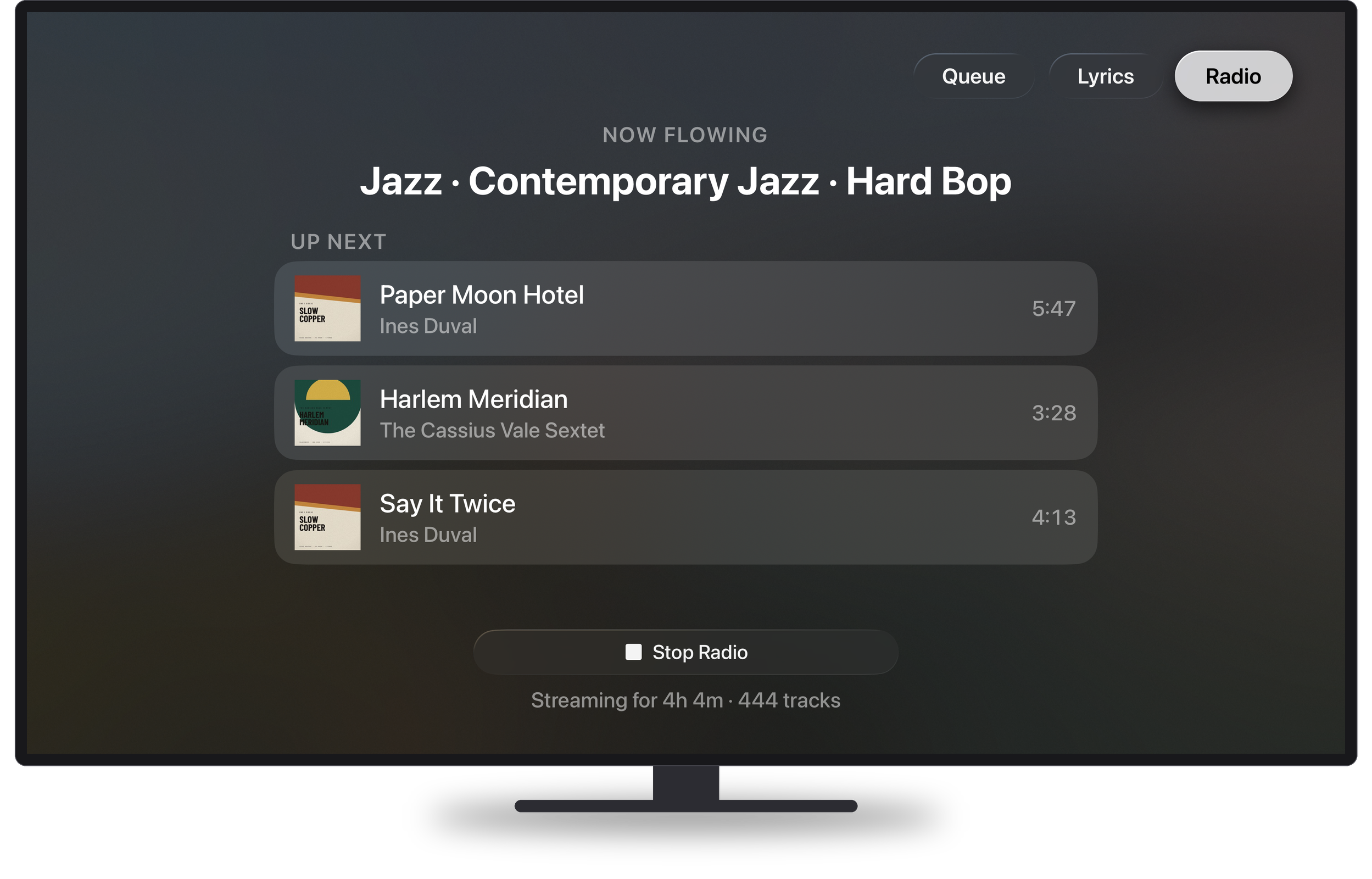
Radio starts and stops Serento Radio. You see the genres it found in your queue and, once it runs, the tracks it picked to play next.
Internet radio
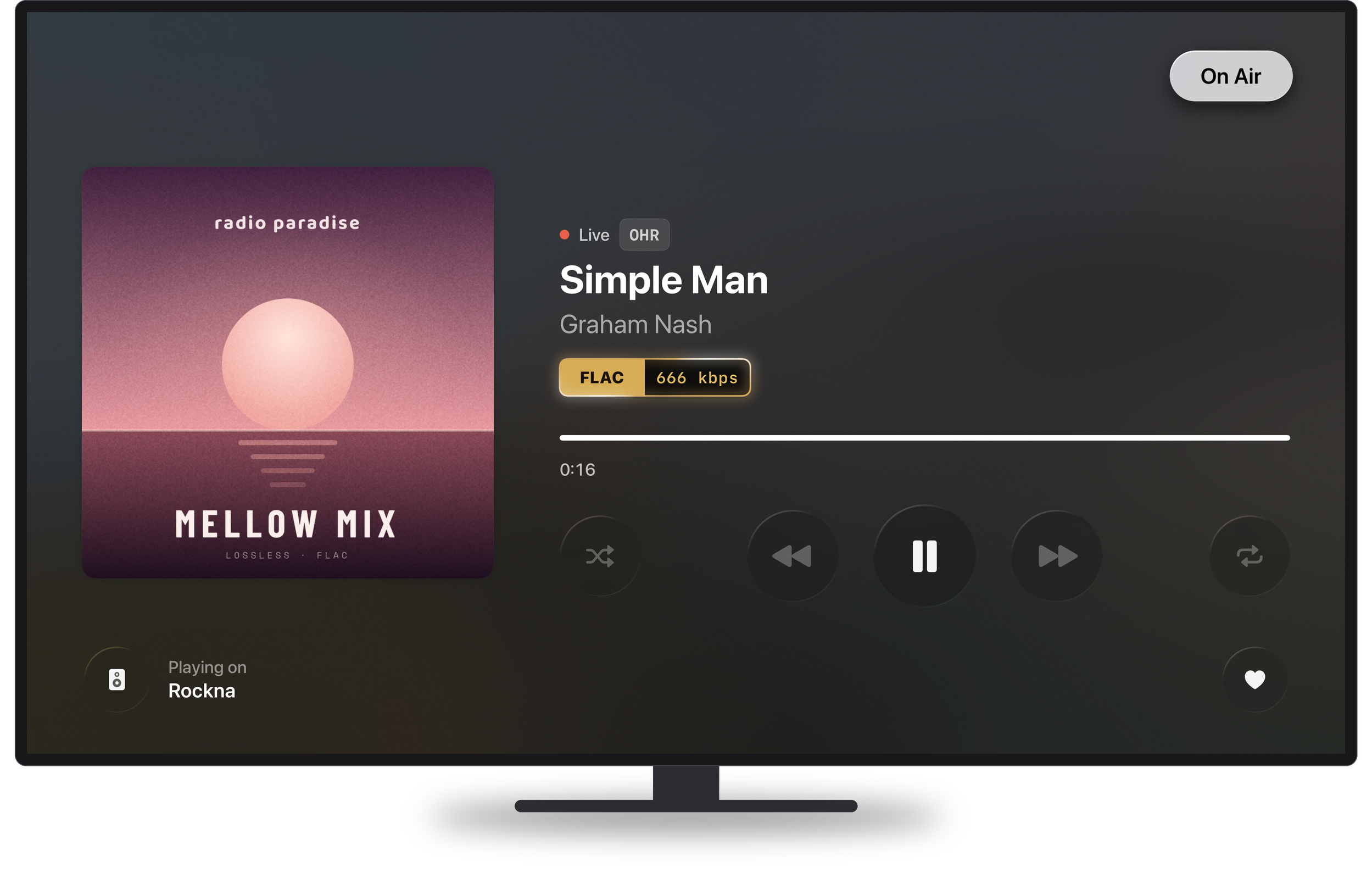
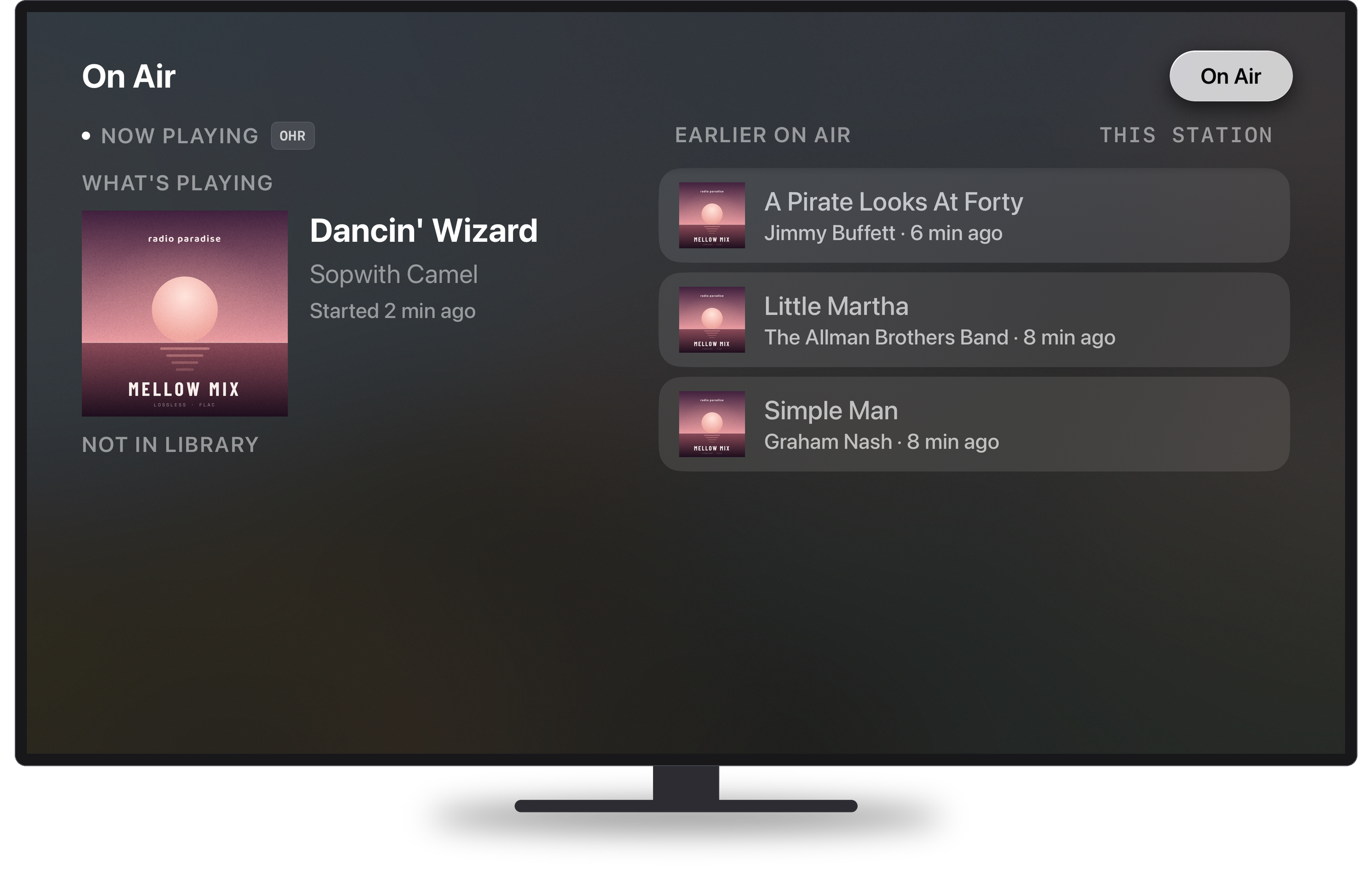
When a station plays, Now Playing shows the song on air and its artist, the station's logo, Live, and the codec with the bitrate Serento measured. The On Air tab follows the station: the song playing now and the songs before it. A song that is in your library gets a heart, so you can add it to your favorites from the sofa.
How it works
The Apple TV is a remote and a screen. Every press goes to the Serento device that plays the music, your iPhone, iPad or Mac, and that device carries it out exactly as its own button would. The TV then shows what that device tells it. The covers come from your own devices too.
The music itself goes from your server straight to your streamer. It never passes through the Apple TV.
A few things follow from that:
- No subscription on Apple TV. It works with Serento on your iPhone, iPad or Mac, on the same network.
- If your phone goes to sleep, the TV keeps showing what plays.
- When another app plays on your streamer, Serento for Apple TV still shows what is playing, with play, pause, previous and next wherever the streamer allows them.
Get it
Serento 1.1.3 is on the App Store now. The Apple TV app comes with Serento at no extra cost: open the App Store on your Apple TV, search for Serento, and install it.
If you try it in your living room, I would love to hear how it works with your system. Come and tell me at community.serento.app, or write to contact@serento.app.