The reference control application for your hi-fi.
Bit-perfect to DSD512 and 32-bit/768 kHz, straight from your own server to your DAC. Your phone directs the music - it never touches it.
14-day free trial · no account to create · then $50 a year or $200 once (€ in Europe, $ elsewhere)
Nothing between the file and your DAC.
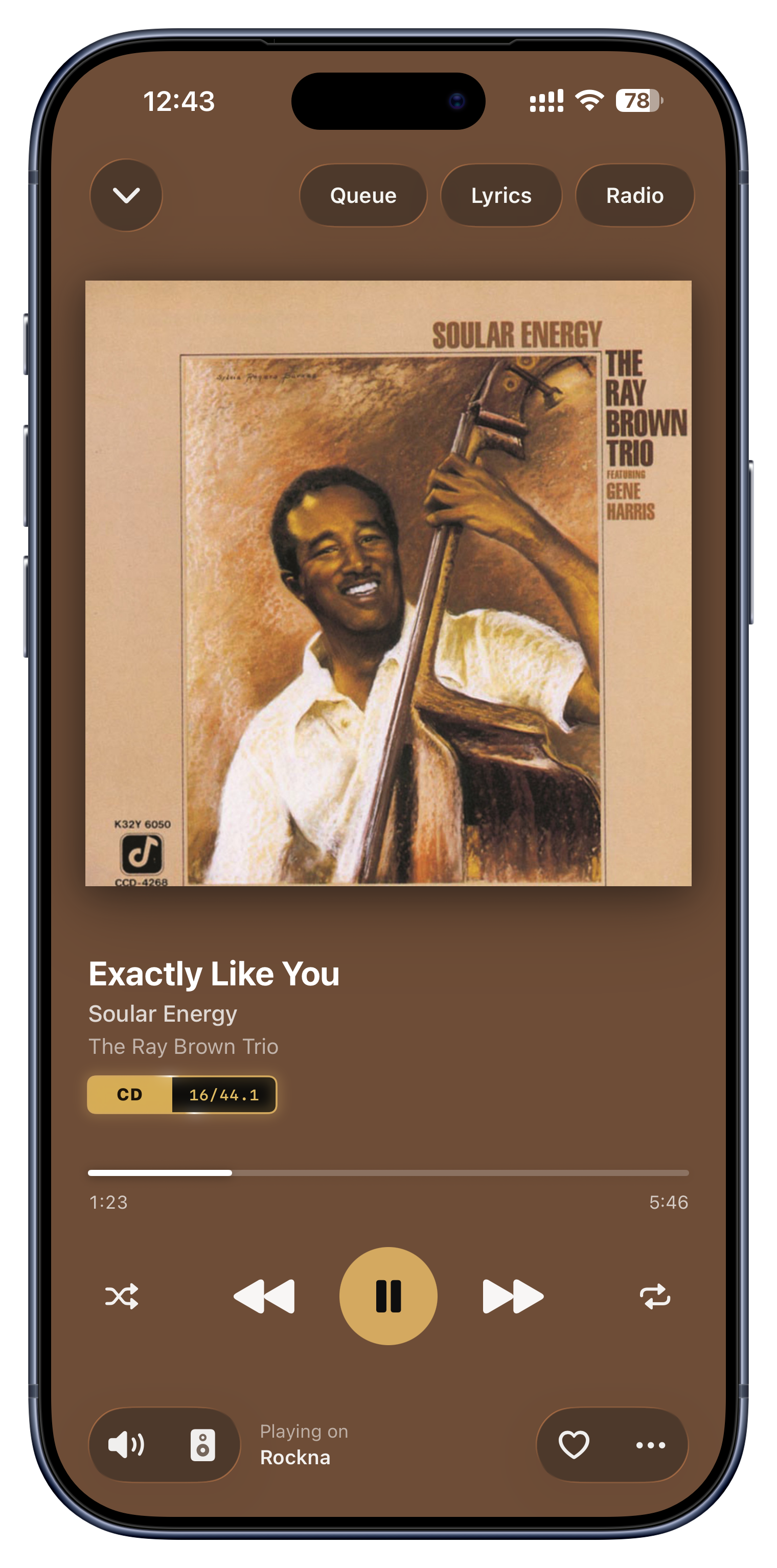
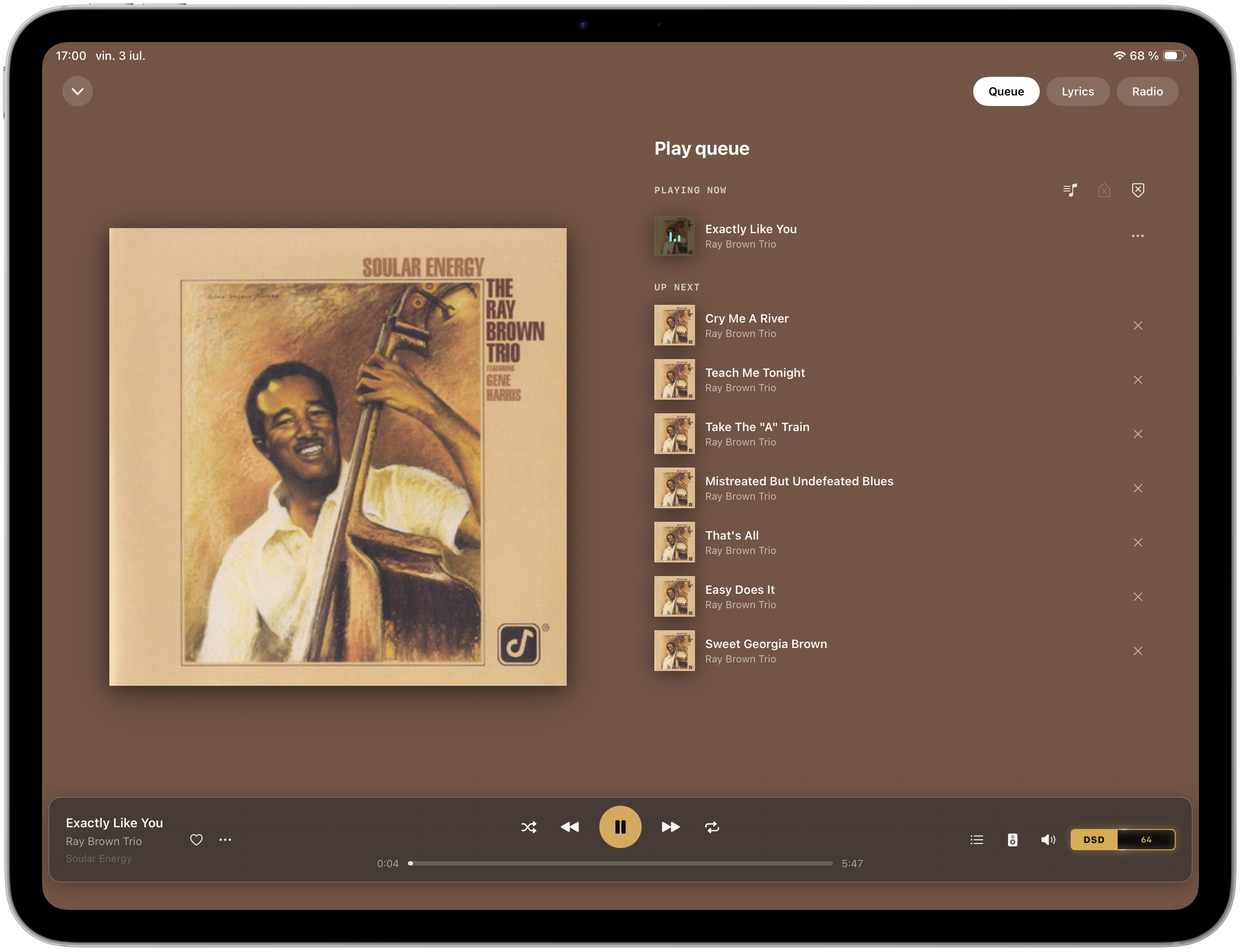
DSD64 to DSD512, handed exactly as the file is to a streamer that accepts it, or sent as DoP to a USB DAC on the device itself where the DAC and the device support it. FLAC, ALAC, WAV and AIFF reach a streamer that accepts them at the file's own rate, bit for bit. No volume processing, no resampling or conversion behind your back - and a badge on every track that names the transport actually in use.
- Transport negotiated once, verified per track
- Zero DSP unless you ask for it
- Gap-trimmed playback so your DAC settles between tracks
Any server. Any streamer. No core of ours.
Serento speaks UPnP AV and OpenHome, so it finds and drives your gear whatever the badge on the front says. You do need a music server - MinimServer, Asset UPnP or Plex - on a computer or a NAS that stays on while you listen. What you do not need is a proprietary core of ours in the middle: any standard UPnP server will do.
Find anything. Organise it your way.
Play it anywhere.
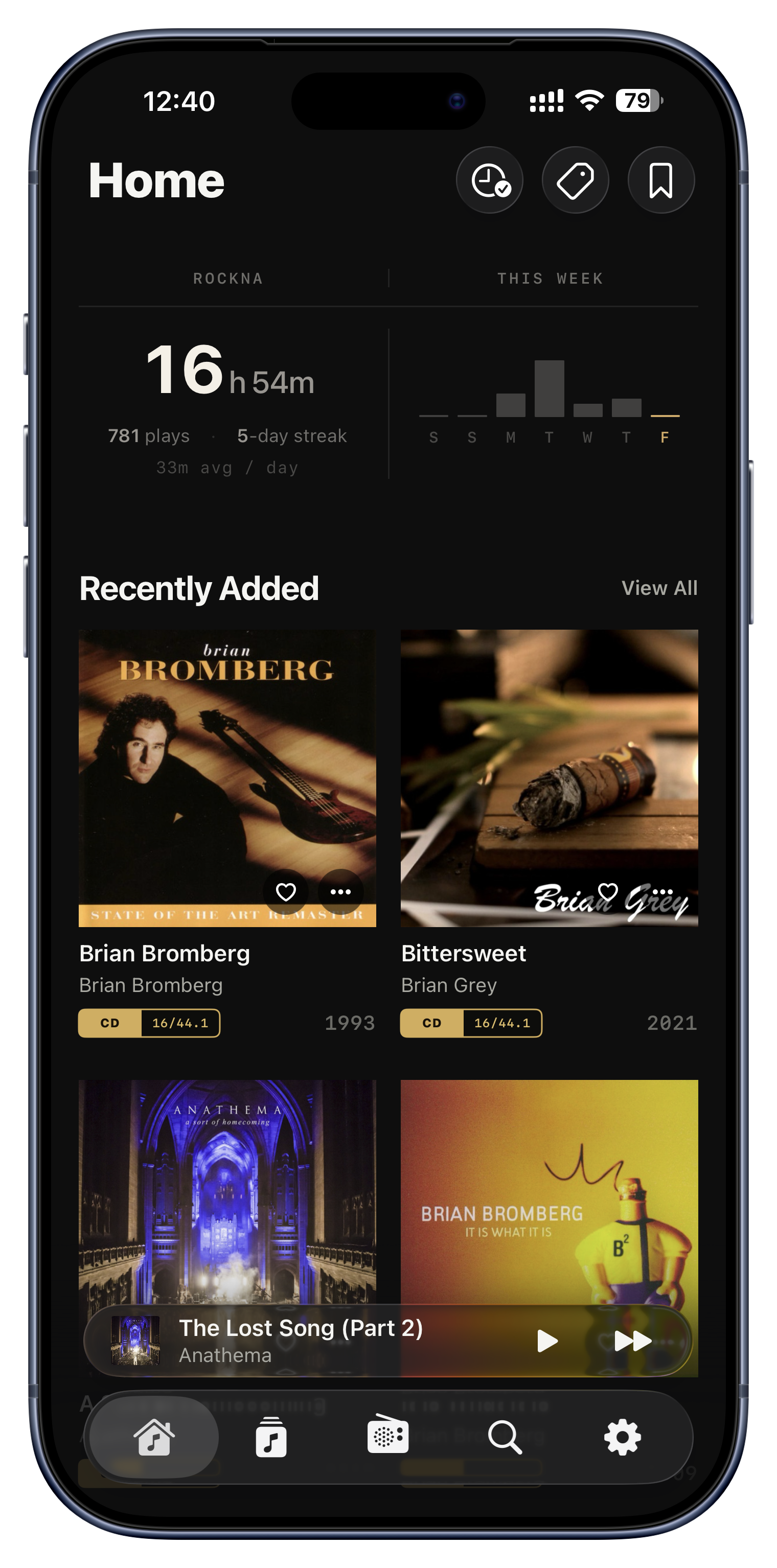
Forget slow, clunky folder browsing. Serento syncs your server's catalogue to the device, so a library of hundreds of thousands of tracks opens instantly. Then organise it the way you actually listen: Serento's own tags, playlists, bookmarks, favourites and Listen Later. All of it lives in the app, so the files on your server are never touched.
Search covers albums, artists, tracks and radio stations, and answers as you type. You filter a list by format, bit depth or tag, sort it however you like, and move along the alphabetical index however long it gets. You switch on several servers and they browse as one library.
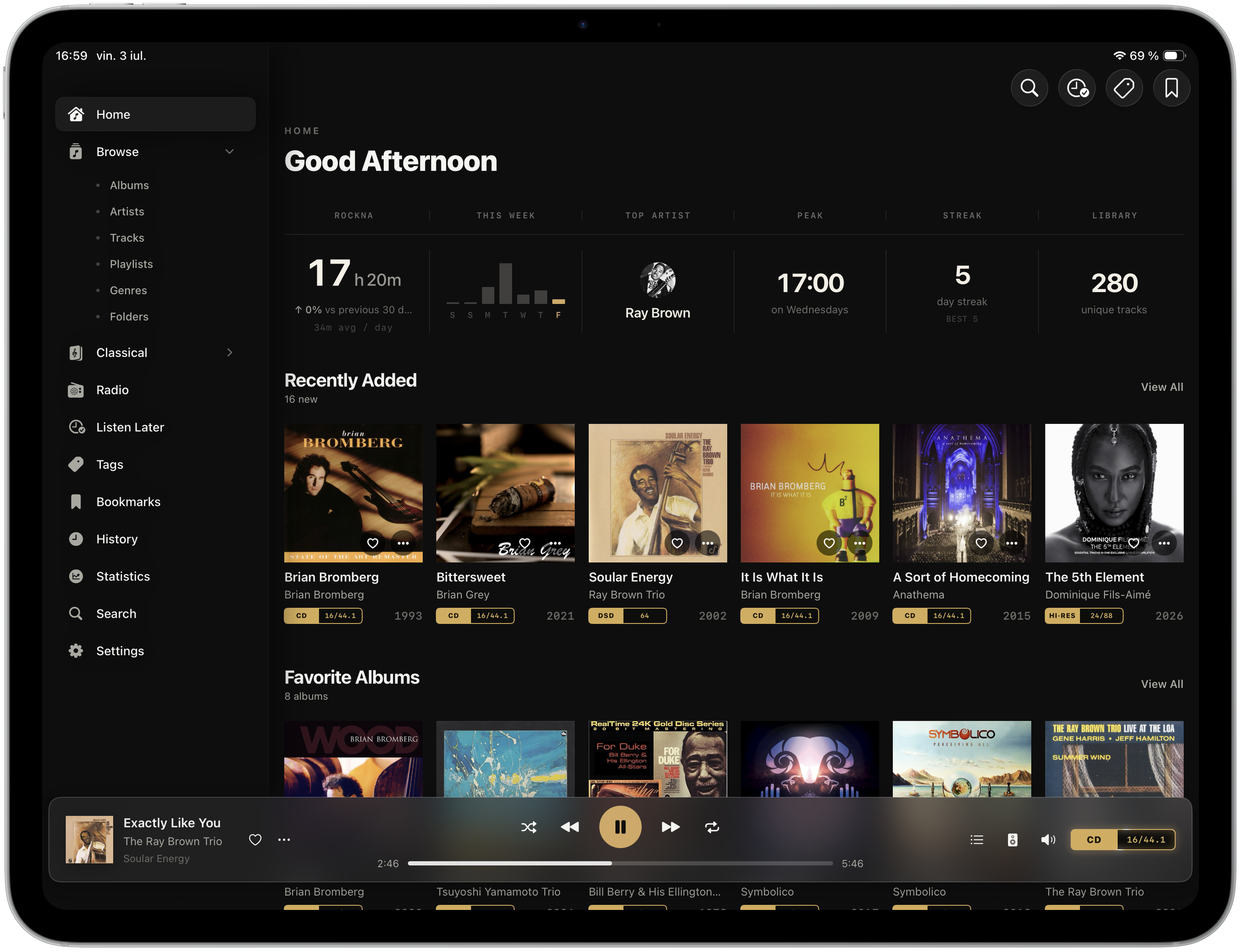
Where your server's tags are few or wrong, you improve them without changing a file: the Identify Album function puts in the right title, year, cover and track names with a single tap. You rate what you listen to, and a Statistics section shows you what you have listened to. When the queue ends, Serento Radio plays on from your own library, in the genres you were just listening to.
Every screen made for the listening, not the settings.
A native Mac app. Never a port.
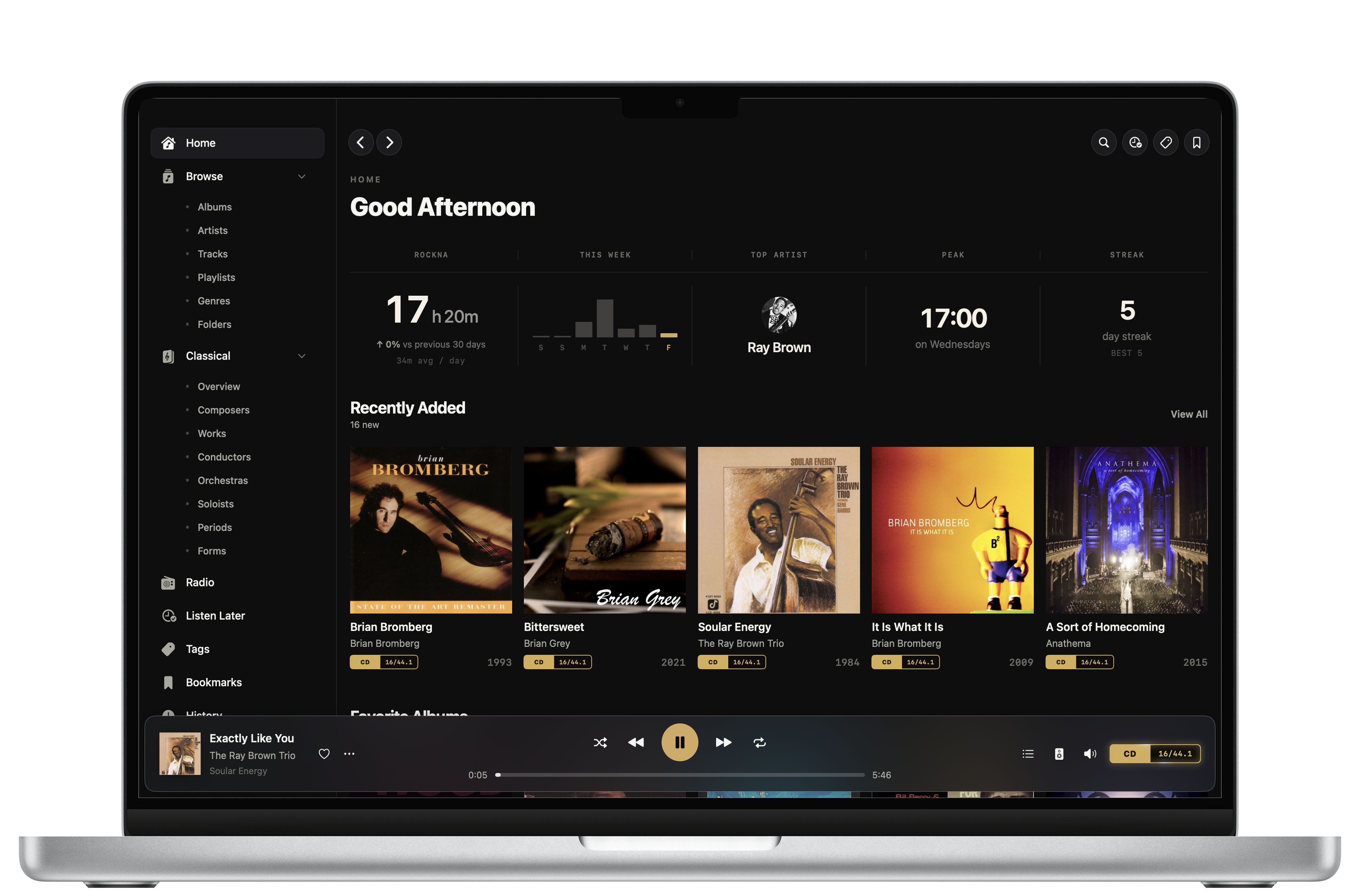
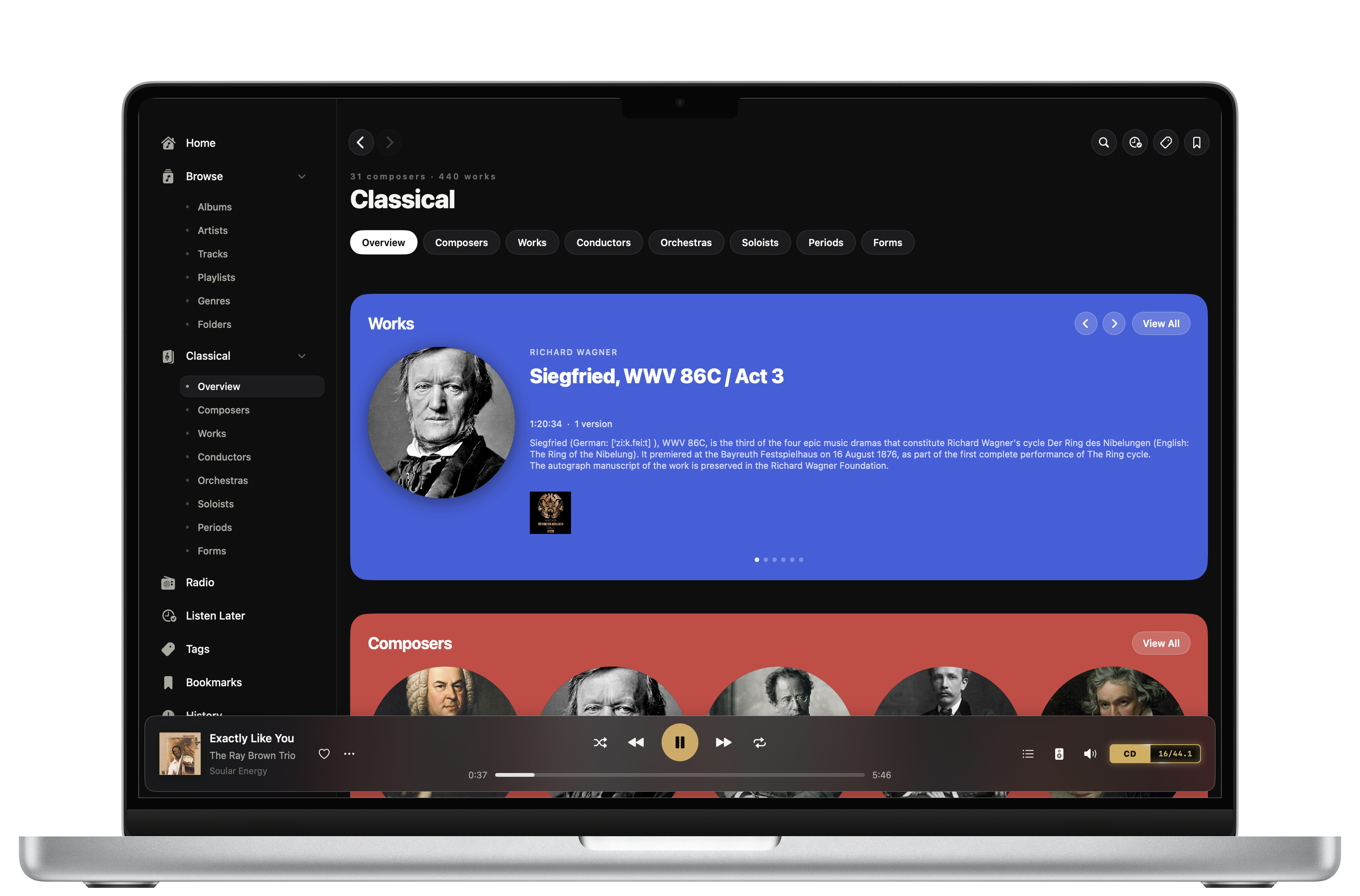
A native Mac app, not a port. Persistent sidebar, hover states on everything, a mini player anchored to the window bottom.
- iOS 26 and macOS 26 · Apple Silicon · zero dependencies
- Your tags, favourites and history sync through your own iCloud
- Downloads play anywhere, with no server and no internet
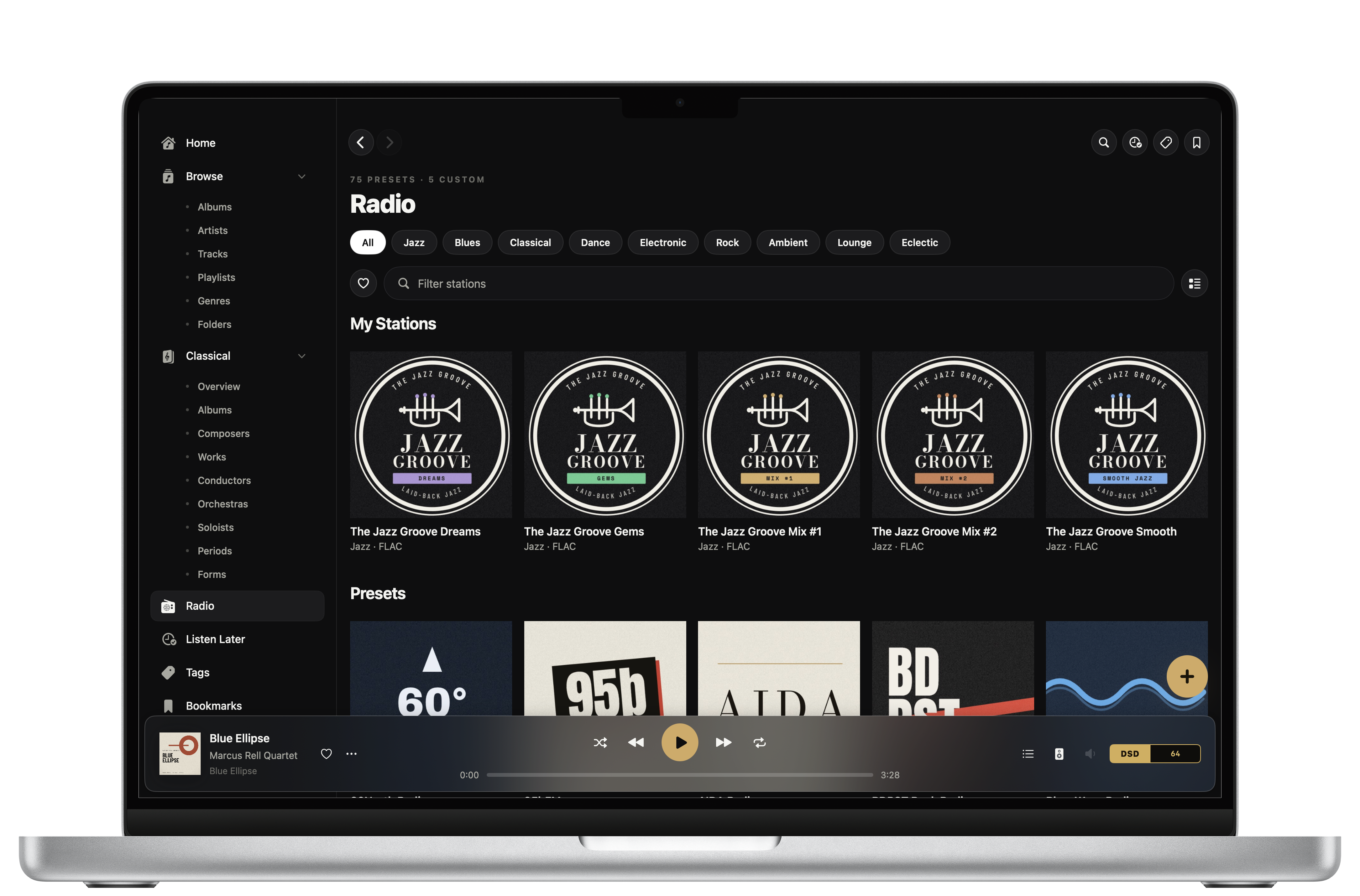
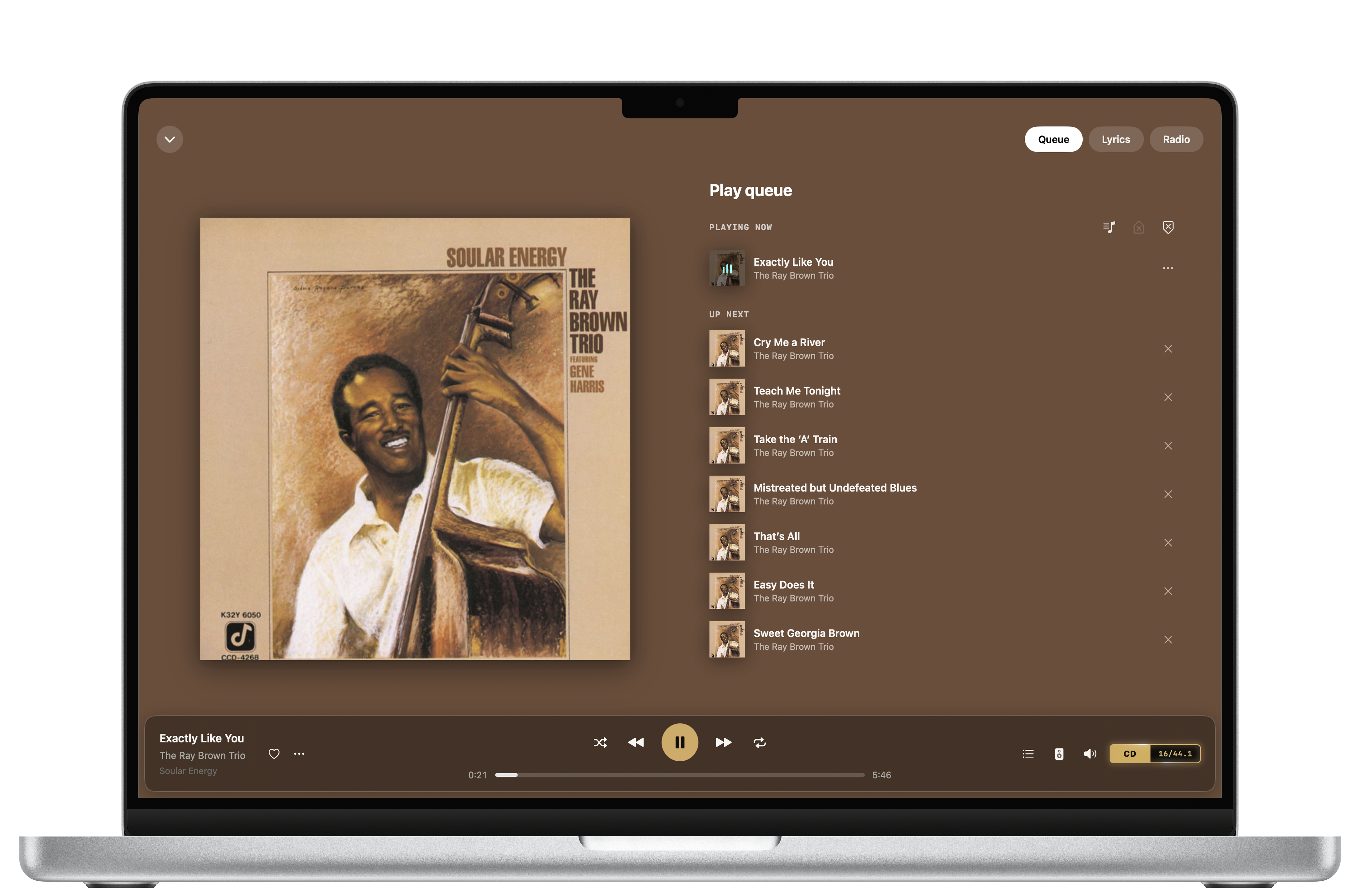
Check everything yourself.
The full roadmap, down to what is still only research. A forum where owners compare setups and recommend hardware. And an email that reaches the person who wrote the app, not a ticket queue. All of it open before you spend anything.
A public roadmap
Every shipped capability listed in detail, and the ones we are exploring with partners marked as research, with no commitment attached.
Read the roadmap →An open community
Where setups get compared and hardware gets recommended by people who already own it. Real rooms, real streamers, and answers you can search before you buy anything.
Visit the forum →A human on email
No ticket queue and no chatbot. Send your server, your OS and what you are seeing, and a person who wrote the app replies.
contact@serento.app →For engineers and ears.
Frequently asked questions
Your phone discovers and commands two other devices on your network: a media server, where your music lives, and a renderer, your streamer or DAC. The audio flows directly between server and renderer, so the phone never touches the stream. That is how you get bit-perfect sound without draining your battery.
You need a music server running somewhere on your home network: an app like MinimServer, Asset UPnP or Plex on a computer or NAS, pointed at your music folder. That is the only real requirement. A dedicated hi-fi streamer or DAC is optional; without one, Serento plays perfectly well through the device itself.
No. The built-in setup guide is written for non-technical people, step by step and per operating system, and it reassures you that nothing in it can harm your computer. Most people go from nothing to playing in about ten minutes, and there is an email-us button inside it if you get stuck.
Any device that implements UPnP AV or OpenHome. On the server side that includes MinimServer, Asset UPnP and Plex; on the playback side it was validated during beta with Rockna, Linn, Lumin, Esoteric, Technics, iFi, WiiM and Eversolo, among others.
Yes. Switch on more than one server and Serento merges them into a single combined library, so a collection spread across different drives browses together as one. Toggle any server on or off whenever you like.
The first time you connect a server, Serento copies its catalogue, the titles, artists, covers and tags, not the audio files, onto your device, so browsing and search are instant afterwards. A large library takes a few minutes once; every later launch is instant, and adding new music is a quick top-up. The audio itself always streams on demand, so your device never fills up.
Not when you play to a streamer: it pulls the original file straight from the server, bit-perfect, and your phone is only the remote. When the device itself is the output, it decodes and plays at the best quality its hardware allows. Either way, the format badge and the bit-perfect indicator show you exactly what is happening.
On a streamer that accepts the DSD file, Serento hands it over untouched, and the streamer decides whether its DAC gets it natively or as DoP. With the device itself as the output, Serento sends DSD to a USB DAC as DoP v1.1 where the DAC and the device support it, and converts it to PCM otherwise. The format badge on every track tells you which of these is happening.
Never. Every correction, cover, biography and rating is layered on top of your read-only server tags and stored separately, so the files on your NAS stay exactly as you left them. There is even a one-tap way to restore an album to its original metadata.
Yes. Open Identify Album on any album and arrow through matches from the web; one tap fills in the correct title, year, genre, cover and track names, without touching your files. You can also hand-type any field, or let Serento fill only the blanks automatically during a sync.
Yes, extensively. Tag albums, tracks and artists with your own labels, and nest tags inside tags like folders; build playlists; bookmark any filtered, sorted view so you can return to it in one tap from anywhere; and favorite anything. All of it syncs across your devices.
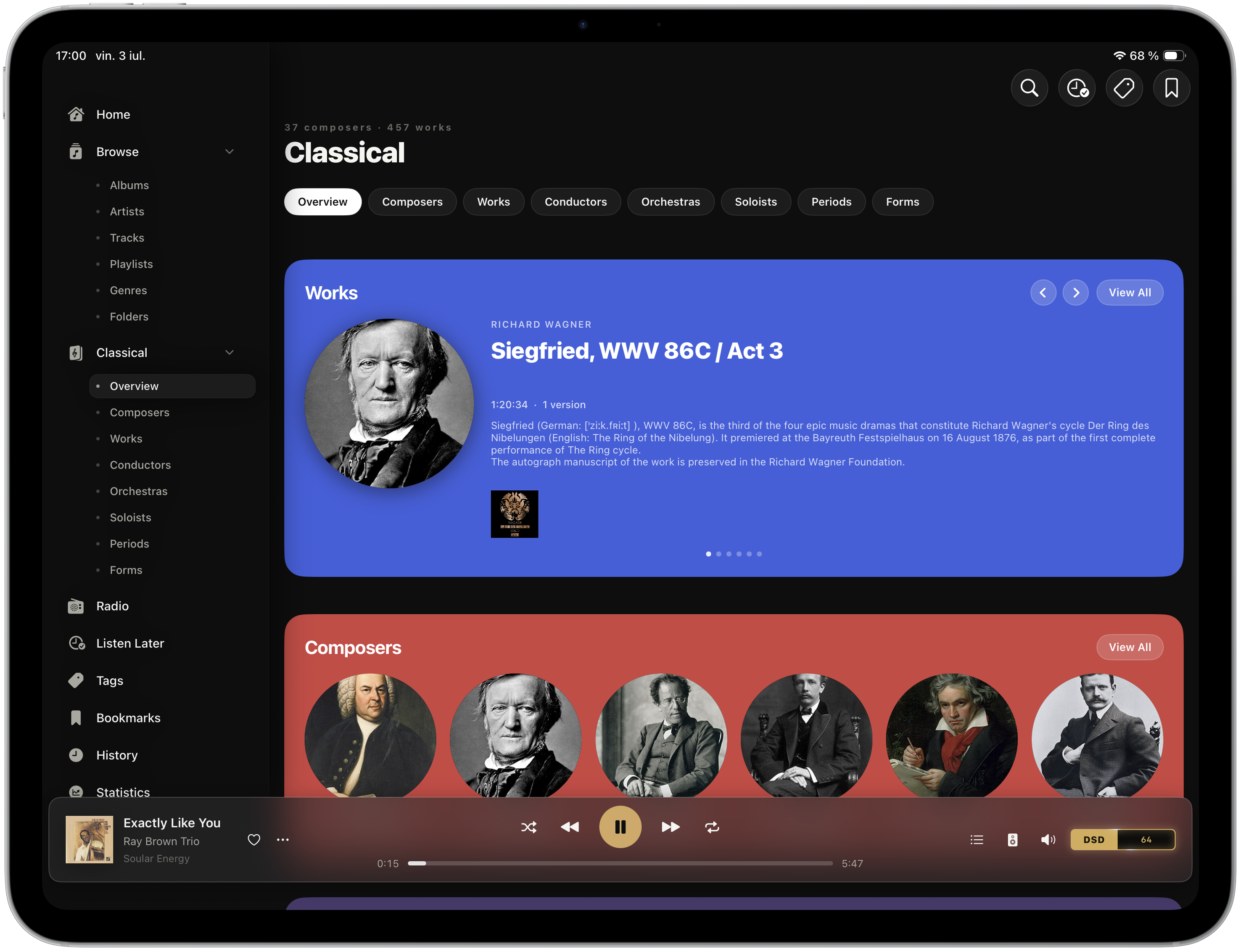
Yes. A dedicated Classical section organizes your music by composer, work, conductor, orchestra, soloist, period and form, and stitches loose movement-tracks back into whole works in the right order. It appears automatically, and only if your library actually contains classical music.
Yes. Rate any album or track from one to five stars and filter your library by rating. A private Statistics dashboard shows your listening time and trend, your top artists and albums, records like your longest streak, and a year-in-music calendar, all built from your own play history and never shared.
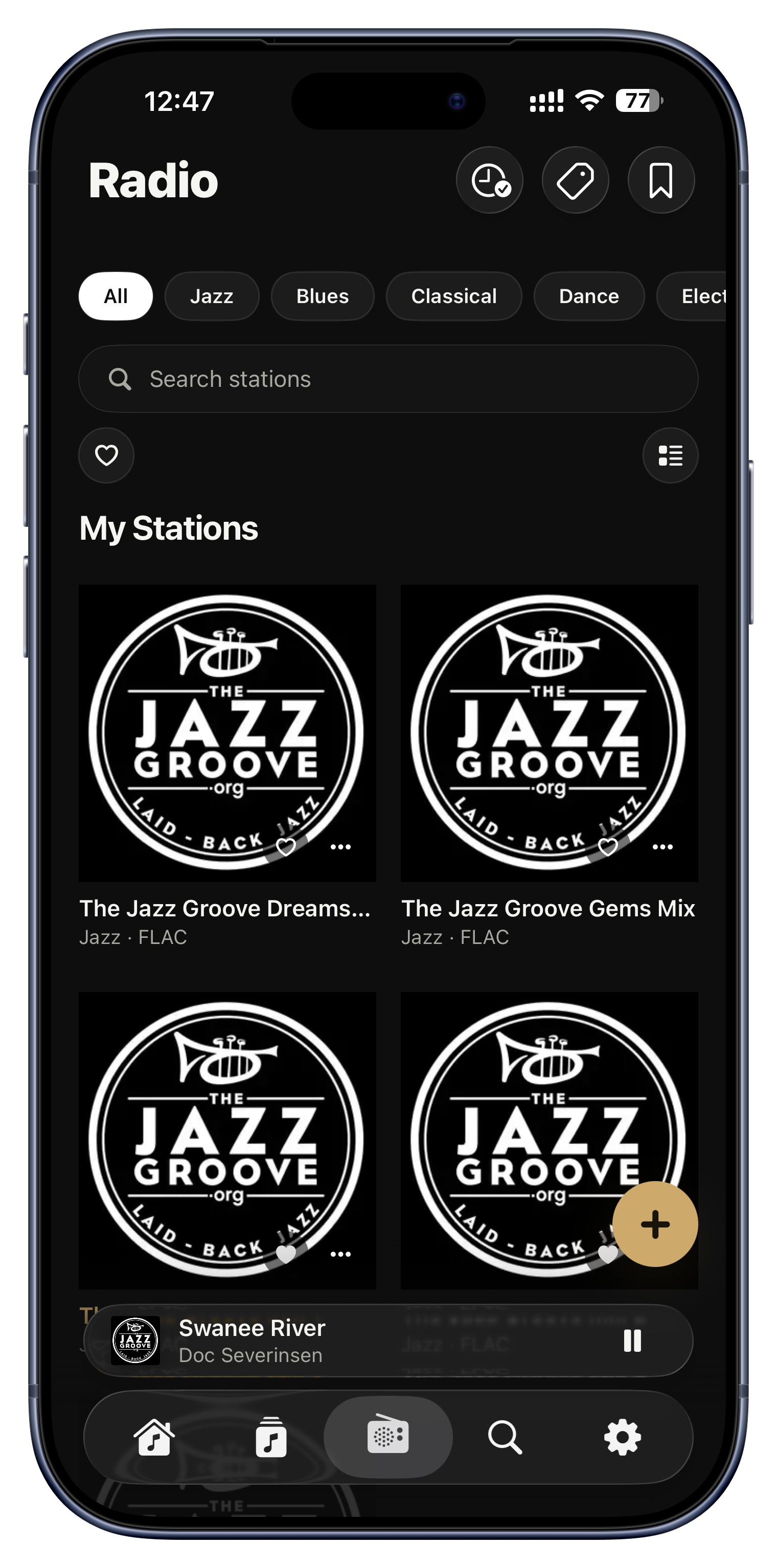
Yes. Add internet radio stations by URL or M3U playlist, see what a station is playing now and recently, and favorite a track you recognize. Separately, Serento Radio keeps your own library playing endlessly in the genres you have been listening to when your queue runs out.
iPhone and iPad on iOS 26, plus a native macOS app built from the same Swift codebase and optimised for the desktop rather than ported. The three feel like one app, with your queue, playback state and volume kept in lockstep between devices controlling the same renderer.
Yes, through your own private iCloud. Favorites, playlists, tags, ratings, bookmarks, listening history and more appear on every device, and changes also travel instantly across your local network. Playback follows you too: start a song on your iPhone and pick it up on your Mac at the same spot.
UPnP is a home-network system, so your server is not reachable from outside your Wi-Fi. For listening on the go, download albums, playlists or tracks to the device while you are home and they play anywhere, with no server and no internet. Serento can even stream your downloads from your phone to a UPnP speaker somewhere else.
Playing to a streamer: no. The audio flows from server to streamer directly, so your phone is just the remote and can sleep or leave the room. Playing on the device itself: the device is the player, so it needs to stay on the network and awake enough to play.
No, not for playback: servers, renderers and Serento talk entirely inside your home network. The internet is only used for extras like online radio, artist photos, lyrics and metadata lookups. Your music plays fine with the internet down.
Yes. Multiple Serento devices coexist happily, each with its own library and settings, and on the same network they can see and steer a shared now-playing, even across different iCloud accounts. The subscription also supports Apple Family Sharing.
Not in version 1.0. Serento is built around the music you already own on your own server. Support for streaming services may come later as the app grows.
There is no account, and Serento never sees your music, your listening habits or anything that identifies you. It does send a small amount of technical telemetry, stored under a one-way key derived from your iCloud account - the same key your trial uses. We cannot reverse it into an Apple ID, a name or an email, we never sell or share it, and we do not track you across other companies' apps or websites. Your cross-device sync of tags, favorites and history runs through your own private iCloud, not through us.
You get a fourteen-day free trial with no account to create, tied to your iCloud so a reinstall cannot reset it. After that you choose an annual plan or a one-time Lifetime purchase, billed by Apple, with Family Sharing supported. If you start with annual, you can upgrade to Lifetime any time.
Your library, exactly as you recorded it.
Install it, point it at your server, sync it, press play. Fourteen days, no account, nothing to cancel.